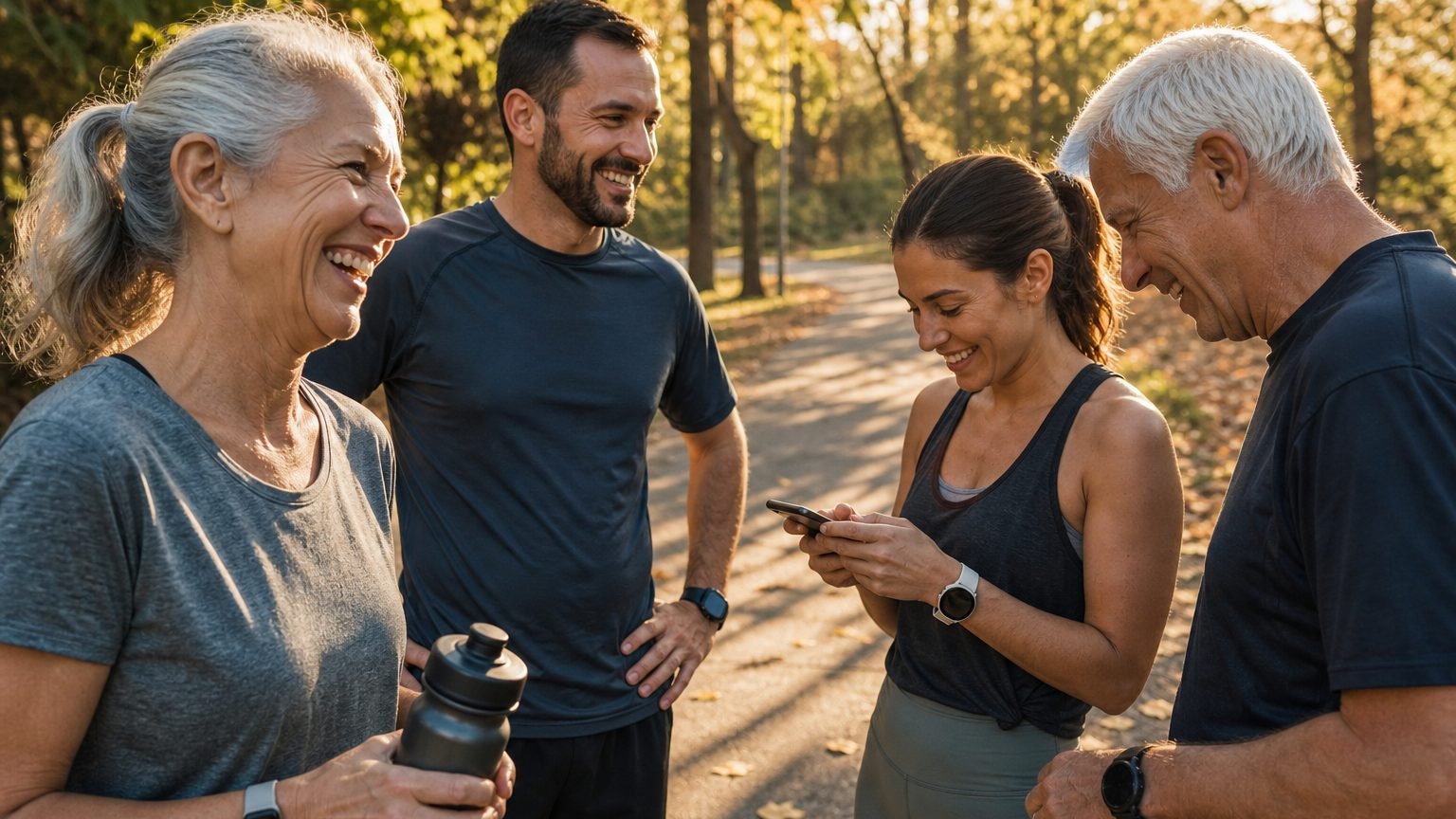
Someone in your group has an Apple Watch. Another uses Garmin. A third wears Fitbit, and someone else just tracks steps from an iPhone. You start a challenge, and within a few days the arguments begin: the apps don't agree on what counts, how progress is ranked, or which devices are even allowed in.
The best fitness challenge app is not automatically the one with the longest feature list. It's the one that fits how your group actually competes. So this roundup compares ten apps on the things that decide whether a challenge survives past the first week: device coverage, scoring fairness, leaderboard behavior, social accountability, and how much setup an organizer has to do.
A quick disclosure before the list. I work on MoveTogether, and I've put it first because cross-device fairness is the specific problem it was built to solve. I've tried to be honest about where the other nine are the better call, because most of them are, for the right group.
1. MoveTogether
MoveTogether is the strongest fit when your group uses different devices but still wants one shared competition. It reads activity from Apple Health, Fitbit, Garmin, WHOOP, Oura, Strava, and Polar, plus iPhone-only users through Apple Health, and brings all of it onto one live leaderboard. Nobody has to normalize data by hand or argue about whose watch is more generous.
Why the scoring model matters
The fairness comes from letting the organizer choose how activity is compared. Instead of one fixed step race, you pick a scoring method that suits the group: methods such as Ring Close Count, Percentage of Goals, Raw Numbers, Head to Head on steps, and Workout Based. That control matters when one person tracks brisk walks and another logs structured workouts. For a wide spread of fitness levels, Percentage of Goals tends to be the least frustrating, because it scores each person against their own targets rather than the fittest person in the room.
Apple users should know what their rings measure before joining. The rings track active calories, exercise minutes, and stand hours, not raw steps, so a ring-based challenge rewards intent more than volume. We break down the difference in Percentage of Goals vs Apple's Move ring.
Formats and coaching
The competition formats are built for repeat participation. You can run weekend sprints, weekly events, or monthly competitions, and Move Leagues add a weekly ladder that drops you into a fresh cohort of up to 30 people every Monday, with promotion and demotion. Coach Mo, the built-in AI coach, offers five personalities and an optional Roast Mode that roasts your effort using your real numbers, never your body. Pro adds unlimited access, long-term memory, the Weekly Mo Report, and Past You Ghost, which races you against your own best completed week.
Where it falls short: a lot of the depth sits behind Pro, and the coaching is conversational rather than a structured sets-and-reps program. Pro is the upgrade, at $12.99 per month or $99.99 per year on Apple, and $9.99 per month or $79.99 per year on the web. See the pricing page for current options.
MoveTogether fits mixed-device families, friend groups, clubs, workplaces, and athletes who want a real competition rather than a passive activity log. Check the wearables setup before you invite anyone.
2. Stridekick
Stridekick is the low-friction pick for a family or friend group that wants to start today without picking one wearable brand. It connects phone trackers and several major ecosystems, so an organizer can create a challenge, share an invite, and choose a format like daily goals, streaks, or a leaderboard in a few taps.
The simplicity is the point, and also the limit. Stridekick suits quick, activity-based contests better than a structured league, and its free tier can cap group size or duration in ways that pinch larger or longer challenges. If your group wants fine-grained scoring control or tactical, week-over-week rivalry, you'll outgrow it. For a casual contest, that trade is often worth it. Stridekick is built for exactly that crowd.
3. Strava
A running club comparing weekly distance, or a cycling group chasing elevation, will understand Strava's model immediately. Its challenge gallery covers distance, elevation, time, and streak formats, and the surrounding social network makes challenges easy to discover. The route and segment ecosystem gives outdoor athletes a reason to keep opening the app between competitions.
Strava is strongest for endurance rivalry, not general movement. Its experience centers on outdoor training, so indoor exercise, strength work, and broad wellness feel secondary, and mixed-device fairness takes extra agreement when members log different activities. It pairs well with MoveTogether rather than competing with it: our Strava page explains how supported Strava activity can feed a broader group competition. Start at Strava Challenges if your group is built around running, cycling, hiking, or walking.
4. The Conqueror Virtual Challenges
A route can keep people moving after the first burst of enthusiasm fades. The Conqueror turns walking, running, and riding into progress along journeys like the Great Wall or the Inca Trail, so participants work toward a shared finish line instead of fighting for position every day. Maps, milestones, and physical medals give a time-boxed challenge a tangible ending.
That format suits people who need a destination more than a scoreboard. The trade-off is that it centers on collective progress, not live, tactical competition, and pricing follows the challenge rather than a single subscription, which adds friction for an organizer running repeated events. Choose The Conqueror when a medal or a map will motivate your group better than a leaderboard.
5. MoveSpring
MoveSpring is designed for organized programs, the kind where an administrator sets the rules, tests the setup, and manages communication. Its admin tools offer templates and test-challenge options, and its game modes include group races, streaks, and leaderboards, so an organizer can prepare a repeatable campaign and keep access open afterward for reporting.
Administration is the whole differentiator, which cuts both ways. MoveSpring rewards a workplace or club that wants structure and oversight, and it feels heavier than a casual friend group needs. Public self-serve pricing can also be hard to find, so it's a program-management choice first and a casual social app second.
6. Peloton App
Peloton suits a group that wants coached workouts to drive the competition. The app combines live and on-demand classes with monthly and annual minutes challenges, streaks, and badges, and you can use it without Peloton hardware. The class library is the real draw: participants pick a modality, follow familiar instructors, and watch consistency show up in their challenge progress.
The competition is built around completing Peloton activity, not comparing every workout across unrelated devices. That's great for a group that already loves the classes, and a weaker fit for a workplace where Apple Watch, Garmin, Fitbit, and phone users all need one shared board. Available classes and challenge features also vary by membership tier, which can complicate a mixed-budget group. Look at the Peloton App when classes come first and competition second.
7. Garmin Connect
A Garmin-heavy group can start a challenge in Garmin Connect without adding another app. Participants join weekly or monthly challenges, including step ladders, through the app or web, and results sit right alongside their existing training data. For people already living in the Garmin ecosystem, that low friction is the appeal.
The device mix decides whether it holds up. Garmin's challenges and friend leaderboards work best when everyone records on Garmin, and Apple Watch, Fitbit, WHOOP, or phone-only members may not get the same experience. Live competition is limited to Garmin's built-in format, so a group that wants normalized cross-device scoring needs a separate tool. Our Garmin Connect comparison lays out the practical difference. Check Garmin Connect if your group is Garmin-only.
8. Pacer
Pacer is built for step-based competition, which makes it easy to explain. The consumer app runs virtual challenges and badges, while Pacer for Teams adds an admin portal for team-versus-team contests and average-based scoring. Steps stay the main measure, so a walking group can pick a goal, invite people, and follow progress without teaching a points system.
The trade-off is scope. Pacer gives less weight to activities beyond steps and time, so runners, cyclists, and strength trainees may not see their effort reflected in a step-first contest, and event or enterprise pricing is worth confirming before you invite a big group. Pacer for Teams fits workplace step campaigns that want basic team administration. For help connecting activity sources first, see our guide on how to track workouts.
9. StepBet
StepBet puts money behind the goal. Participants join paid step games, get personalized weekly targets based on recent activity, and share the pot if they hit the requirements. Activity verification and referee review give disputed results some structure. For adults who want accountability stronger than a reminder, the financial stake can be more effective than a free social challenge.
The stakes are also the catch. Some people won't want wager-based motivation, entry fees, or the chance of losing money, and the contest stays step-first, so it's a poor fit for a group comparing walking, cycling, and workouts through one shared score. Entry fees vary by game and payouts are split among finishers, so the return isn't fixed in advance. StepBet fits adults who want paid commitment around step goals.
10. Wellable
A workplace wellness program often needs more than a step leaderboard. Wellable combines device and app integrations with a library of challenge themes, points, in-app rankings, participant communications, and wellness content like on-demand classes. It can run challenges across fitness, sleep, nutrition, and education, which suits employers whose goals reach beyond exercise.
The cost is administrative overhead. Organizers make more decisions before launch than a lightweight consumer app requires, and pricing is geared to organizations rather than casual groups. Wellable is the right call for an employer that wants a managed wellness initiative, not a few friends starting a walk. See Wellable if that's the job.
The ten apps at a glance
| App | Best for | Main watch-out |
|---|---|---|
| MoveTogether | Mixed-device groups that want fair, live competition | Much of the depth is behind Pro |
| Stridekick | Casual families and friends who want a fast start | Free tier limits on group size and duration |
| Strava | Running and cycling communities focused on endurance | Indoor, strength, and mixed-device fairness are secondary |
| The Conqueror | Time-boxed virtual journeys with a medal at the end | Collective progress, not live rivalry |
| MoveSpring | Structured workplace and club programs | Heavier setup; limited public pricing |
| Peloton App | Groups motivated by coached classes | Scoring centers on Peloton activity only |
| Garmin Connect | Garmin-only groups that want zero extra apps | Weak fit once devices are mixed |
| Pacer | Step campaigns and simple team contests | Little credit for non-step activity |
| StepBet | Adults who want financial accountability | Wager-based and step-first |
| Wellable | Employers needing a managed wellness program | B2B focus and setup overhead |
How to choose the one you'll actually keep using
Start with your people, not the app store. If your group has mixed devices and wants a fair, live competition, MoveTogether is the natural first try. If it has one sport, one device ecosystem, a route-based goal, a class library, or a formal workplace program, pick the specialized tool that matches that behavior. A clear format beats a clever one every time.
Set up the challenge before you scale it
Keep the first event short and clear, and confirm the rules with real participants before you invite a bigger group.
- Define the activity window. Choose a start and end everyone understands.
- Choose one scoring method. Pick it up front instead of changing rules mid-challenge.
- Confirm every connection. Make sure each person has connected their device or phone tracker before day one.
- Explain what the app compares. Tell people why one device doesn't automatically win, so the board keeps their trust.
- Run a short trial. Test one low-stakes day before committing the group to a longer league.
Time-boxed events with visible progress are a genuinely useful retention tool, not decorative gamification. People stay in when they can see where they stand and feel themselves improving, which is why transparent scoring and coaching that supports a missed day beat a system that punishes it.
If you want a simple place to start, MoveTogether is built for exactly this. People keep the devices and apps they already use, and it puts Apple Health, Fitbit, Garmin, WHOOP, Oura, Strava, Polar, and iPhone-only activity on one live leaderboard, with Move Leagues and Coach Mo to keep the habit going. Download MoveTogether and start competing, with an optional Pro tier. MoveTogether is available on iOS andAndroid.
Third-party device, platform, and app names belong to their respective owners. MoveTogether is available on iOS and Android.