Two things share the word "Move" in fitness land: Apple's Move ring and MoveTogether's Percentage of Goals scoring. They sound similar. They are not the same thing.
The short version: Apple's Move ring measures one person against their own goal. MoveTogether's Percentage of Goals is a fairness layer on top so people with different goals, and different wearables, can compete on equal footing.
What Apple's Move ring actually is
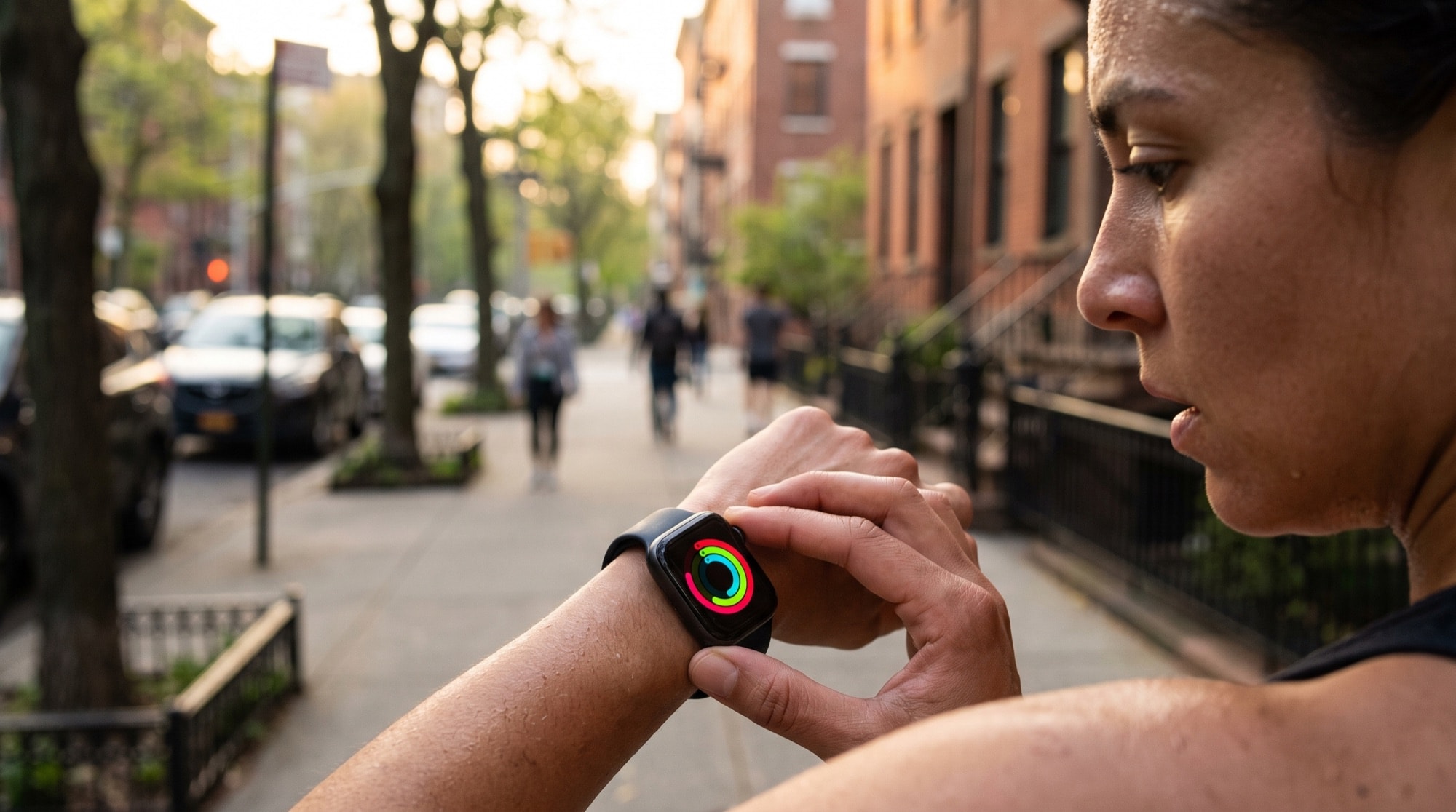
The Move ring is the red one. It tracks active calories burned for the day. You set a daily Move goal, say 500 calories, and the ring fills as you burn that many active calories. Hit your goal, ring closes, the ring resets at midnight.
The metric is honest because it's calibrated to you. If your Move goal is 700 and a friend's is 400, your closed ring is a meaningfully harder day than their closed ring.
Why "who closed their ring?" is a bad competition
If you and a friend just count ring-closes, three problems show up immediately:
- Goal asymmetry. A 300-calorie goal vs. a 700-calorie goal isn't a fair race. The person with the lower goal is doing less actual work to "win" the day.
- Diminishing returns. Once you close your ring, the metric stops rewarding you. Someone who closes at 110% of goal looks identical to someone who pushed to 200%.
- Cross-platform mismatch. Garmin, Fitbit, WHOOP, and Oura don't have a "Move ring." If you and a Garmin friend tried to compete on ring-closes, the friend wouldn't have one to close.
| Problem | Move ring alone | Percentage of Goals |
|---|---|---|
| Goal asymmetry | 300-cal goal vs 700-cal goal both "win" with a close | Each person scored against their own target |
| Diminishing returns | 110% looks the same as 200% once closed | Points keep scaling past 100% |
| Cross-platform | Apple Watch only | Apple Watch, Garmin, Fitbit, WHOOP, Oura, iPhone |
What Percentage of Goals does about it
Percentage of Goals is a normalization layer. It takes each person's daily activity, divides it by their own goal, and turns the result into a points-per-day value. The math is approximately:
Hitting your goal exactly gives you 100 points on that axis. Going past it keeps earning points. The competition is decided by who racks up the most points across the competition's window, not by who closed a ring on absolute terms.
What that fixes
- Goal asymmetry, gone. Both people start at zero each day and earn the same number of points for equivalent effort relative to their own ability.
- Diminishing returns, gone. Going past 100% keeps earning points, so doing more actual exercise keeps mattering. The leaderboard rewards the person who pushed harder, not just the person who hit the minimum.
- Cross-platform mismatch, gone. Percentage of Goals is computed the same way regardless of whether your wearable is an Apple Watch, a Garmin, a Fitbit, an Oura ring, or just your iPhone's motion data through Apple Health. Everyone contributes a calibrated percentage, not a raw number their vendor decided on.
When to use each scoring method
MoveTogether ships several scoring methods. Percentage of Goals is the default for cross-wearable, mixed-fitness-level competitions because it solves the fairness problem cleanly. Other options are better for specific situations:
| Scoring method | Best for |
|---|---|
| Percentage of Goals | Different wearables, different fitness levels, normalized fairness |
| Ring Close Count | Everyone on Apple Watch, "did you show up today?" |
| Raw Numbers | Same wearable, similar fitness levels, raw effort race |
| Head to Head on steps | Broad compatibility, low-friction office or family challenges |
| Workout-Based | Deliberate training sessions over incidental activity |
The TL;DR
Apple's Move ring is a personal completion bar. It works because it's calibrated to you. MoveTogether's Percentage of Goals is a fairness layer that converts each person's effort into a comparable points-per-day number so different people on different wearables can compete and the result actually means something.
If you want to see it in action, set up a competition with a friend on a different wearable, pick Percentage of Goals as the scoring method, and watch the leaderboard balance out across the week.