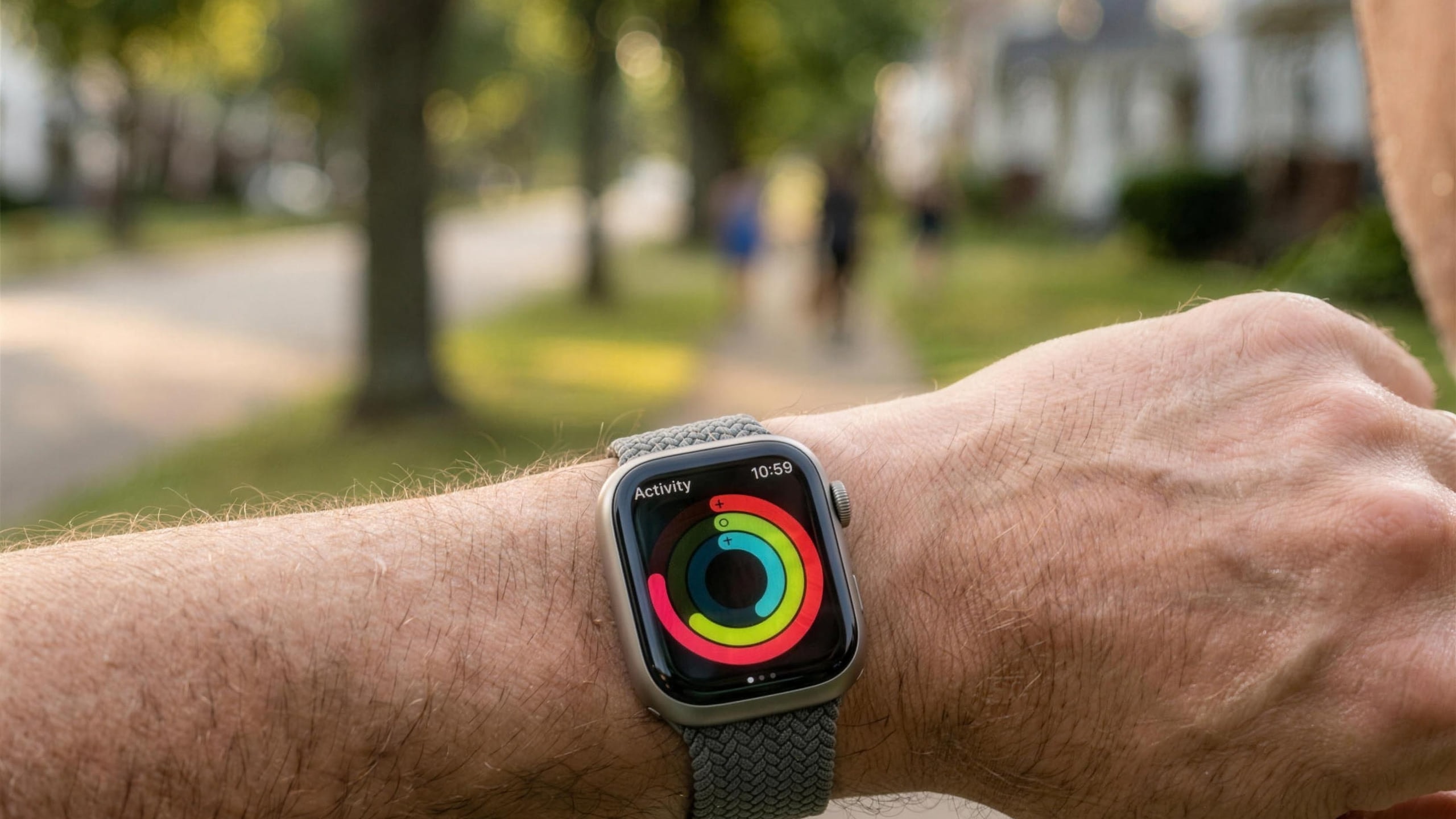
Apple Watch calorie estimates are directionally good and absolutely fallible. They get you into the right neighborhood. They are not a calibrated instrument. If you treat them like one, you'll end up either overeating because the watch said you burned 600 calories on a walk, or starving yourself because it said you burned 200 on a spin class that demonstrably wrecked you.
What they actually do, where they break down, and how to use them without lying to yourself.
What the Apple Watch is doing under the hood
Apple Watch estimates two calorie numbers and shows you both:
- Active calories, calories you burned above your resting baseline. This is the Move ring metric.
- Total calories, active calories plus your basal metabolic rate (BMR) for the same window.
BMR is computed from the personal info you entered when you set up the watch: age, sex assigned at birth, height, weight. That number doesn't change minute to minute. The interesting estimate is active calories, which the watch derives from heart rate, accelerometer motion, and (for workouts) the workout type you picked.
Where it's reasonably accurate
For activities where heart rate and motion correlate cleanly with energy expenditure, the watch performs well:
- Running, both treadmill and outdoor. The motion signature is unambiguous and your heart rate tracks your pace.
- Cycling (outdoor), with GPS engaged and a reasonably snug band.
- Walking and hiking, especially on flat terrain. Hills introduce some error because the watch can't tell you're going up.
- HIIT and high-intensity intervals, when heart rate is genuinely elevated, the estimate is in the ballpark.
In a widely-cited 2017 Stanford study comparing seven wrist wearables, Apple Watch had the lowest error of any device tested for heart rate (around 5%), but calorie estimates were still off by an average of about 27% across activities. That gap is the gap between measuring heart rate well and converting heart rate into calories well. The first is a sensor problem. The second is a physiological-model problem, and physiological models are noisy.
Where it breaks down
Strength training
Lifting heavy doesn't elevate heart rate as much as the energy cost suggests. A heavy deadlift session demonstrably wrecks you, and the watch will report a fairly modest calorie burn. Apple's "Functional Strength Training" and "Traditional Strength Training" workout types apply a multiplier to compensate, but the multiplier is rough.
Indoor cycling and rowing
Without external power data (from a connected bike or rower), the watch is guessing. Wrist motion isn't a great proxy for watts on a stationary bike.
Yoga, pilates, mobility work
Low heart rate, low motion, real energy expenditure that the watch under-counts substantially.
Cold, hot, or stressed conditions
Elevated heart rate from stress, caffeine, or thermal load looks the same to the watch as elevated heart rate from exercise. Sit through a tense meeting and your watch may give you "exercise minutes."
| Activity type | Typical accuracy | Main limitation |
|---|---|---|
| Running (treadmill/outdoor) | Strong | Heart rate tracks pace cleanly |
| Outdoor cycling | Strong | Needs GPS + snug band |
| Walking / hiking (flat) | Good | Hills under-count elevation cost |
| HIIT / intervals | Good | Ballpark when HR is genuinely elevated |
| Strength training | Under-counts | HR stays low vs actual energy cost |
| Indoor cycling / rowing | Weak | No power data, wrist motion is a poor proxy |
| Yoga / pilates / mobility | Under-counts | Low HR and motion, real expenditure |
| Stress / caffeine / heat | Inflates | Elevated HR mistaken for exercise |
How to use these numbers anyway
The honest take: calorie estimates are useful as relative metrics, not absolute ones.
- If you burned 450 active calories today and 380 yesterday, you almost certainly worked harder today, even if neither number is the true energy cost.
- If your weekly active-calorie total is trending up over four weeks, you're getting more active, regardless of whether the absolute number is right.
- Don't eat back your watch's calorie number 1:1. The error bars are wide enough that doing so reliably stalls weight- loss efforts.
What this means for MoveTogether scoring
MoveTogether uses Apple's calorie numbers directly for the Active Calories scoring method. That's a deliberate choice: as long as everyone in a competition is using the same flavor of wearable estimate, the playing field is fair, even if no single number is "right" in an absolute sense.
If you're competing against someone on Garmin or Fitbit, our Percentage of Goals normalization layer is more honest than raw calories because it converts cross-platform estimates into a percentage-of-goal-equivalent rather than asking you to trust that two different vendors agree on what a calorie is.
Bottom line
Apple Watch active-calorie tracking is good enough to tell you whether today was harder than yesterday and bad enough that you should not plan a calorie deficit around it. Treat it like a smart estimator, not a calorimeter. Use it to spot trends, fuel competitions, and close your rings. Don't use it to count macros.
Most-cited reference: Shcherbina et al., "Accuracy in Wrist- Worn, Sensor-Based Measurements of Heart Rate and Energy Expenditure in a Diverse Cohort," Journal of Personalized Medicine, 2017.