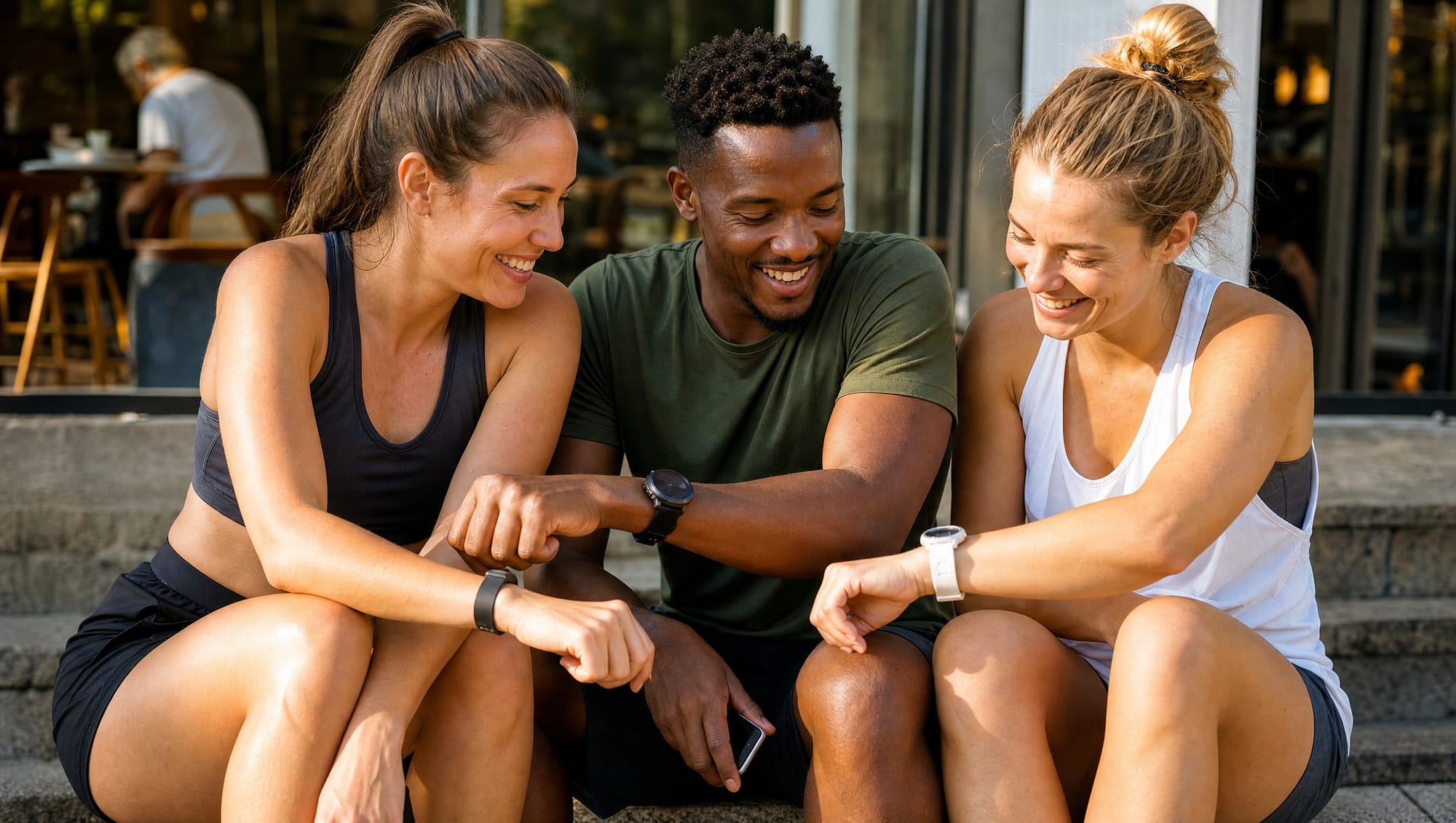
You already know the mixed-device problem, even if you've never named it. One friend closes rings on an Apple Watch. Another swears by Garmin. Someone trains with WHOOP. And the person in the group chat with no wearable just wants their phone steps to count. The challenge starts in good faith, then the numbers stop lining up, the badges feel arbitrary, and nobody agrees on who actually did more work.
That is the real question behind how to track workouts across devices. It isn't about writing down a session. It's about making movement data fair enough that an Apple Watch, a Garmin, a WHOOP, a Fitbit, an Oura, a Strava run, a Polar workout, and an iPhone-only user can share the same board without every comparison turning into a fight over definitions.
Why tracking workouts across devices is harder than it looks
A group chat makes this obvious in about five minutes. One person has an Apple Watch and asks whether closing rings counts the same as a Garmin runner's miles. The WHOOP user says their recovery score matters more than steps. The Fitbit user points out they walked all day. The iPhone-only person asks why their effort seems invisible.
This is where most tracking setups fall apart. They treat every device like it speaks the same language, and it doesn't. Even a basic workout log is usually built for one ecosystem, one metric, or one kind of athlete, not for a mixed group trying to compete fairly. MoveTogether lives in that gap. It reads from supported sources and normalizes the numbers into one live leaderboard, so the comparison starts to make sense instead of getting messier. If you want the device-by-device version of this, we wrote a full fitness tracker comparison built around fair competition.
Fairness comes before the leaderboard
Track raw numbers alone and you can end up rewarding the device instead of the effort. A ring-close count, a step total, and a workout count all tell different stories. None of them is wrong on its own. They are just not automatically comparable.
Once the scoring rule is clear, the log gets simpler, the challenge feels cleaner, and people stop gaming the system by picking whichever metric flatters their device most. A fair setup doesn't mean everyone tracks the same way forever. It means the group agrees on what counts for this challenge. If the goal is daily consistency, steps may be enough. If the goal is structured training, workout sessions or exercise minutes make more sense.
Decide what to track first
Start with the decision, not the device. A daily walker, a cyclist, and a strength lifter don't need the same numbers, and trying to log everything at once usually makes the record harder to use. Good tracking starts by choosing a small set of fields that stay consistent long enough to show a pattern, then adding detail only after the habit is stable.
Choose the metric that matches your routine
If your week is mostly walking, steps is the cleanest place to start. It's easy to understand, easy to compare, and hard to fake without doing the work. If you spend more time cycling or swimming, exercise minutes usually give a fairer view, because steps don't capture those sessions well.
Lifting needs a different shape of record. A strength session is easier to judge over time when your own training log keeps the working set, the exercise, the sets and reps, the load, and a readiness note like RPE or RIR. That level of detail lives in your training notebook or a dedicated strength app, not in a leaderboard. MoveTogether's job is the layer above that: it reads what your devices report and normalizes it so mixed hardware can compete, not to replace the set-by-set record a serious lifter keeps.
Leave the extra noise off at first
Heart-rate zones, calories, and long note fields can be useful later, but they slow people down before the habit has a chance to stick. The common mistake is building a perfect dashboard on day one. A log that takes too long gets skipped, and skipped logs help no one compare progress later. Pick one main metric, record it the same way every time, and add detail only after you've proven you can keep the habit alive.
Connect your devices and normalize the data
MoveTogether reads one hub per phone: Apple Health on iPhone and Health Connect on Android. Apple Watch writes to Apple Health on its own, a phone's own step count works with no wearable, and Fitbit, Garmin, WHOOP, Oura, Strava, and Polar share into either hub from their own apps. You can see the full list on the wearables page. The app is available on iOS and Android.
Pick the path that matches your setup
If you wear an Apple Watch, you are already set. If your data lives mostly in another wearable ecosystem, turn on sharing to Apple Health or Health Connect in that brand's app, then pick it in MoveTogether as the one tracker that counts.
Data quality starts upstream. If the source app misses a workout, no leaderboard can guess it back into existence. If the source writes late, the sync will feel delayed even when everything is working normally. Normalization helps after the data arrives. It can't invent a session that never reached the pipeline.
What normalization actually does
Once the data lands, MoveTogether converts vendor-specific signals into a comparable Move, Exercise, or Steps score. That is the whole point. An Apple Watch, a Garmin, a Fitbit, a WHOOP, an Oura, a Strava session, a Polar workout, and an iPhone-only log can sit on the same leaderboard without everyone needing the same device or the same training style. A person closing rings, a person logging exercise minutes, and a person tracking steps can still compete in one challenge, because the app reads from a common scoring layer instead of raw vendor labels.
Set your goals and pick a scoring method
The right goal depends on the group, not just the person. If everyone uses the same device, raw totals can be fine. If the group is mixed, percentages usually make more sense, because they adjust for different ring systems and different routines. MoveTogether competitions run on a few scoring methods, and the right one depends on how similar the people competing actually are.
| Scoring method | What it rewards | Best for |
|---|---|---|
| Ring Close Count | Closing your daily Activity Rings | Groups that want simple daily consistency |
| Percentage of Goals | How much of your own target you hit | Mixed-ability groups that need the fairest comparison |
| Raw Numbers | The direct total you produced | Friends with similar fitness levels |
| Head to Head on steps | Total daily walking volume | Walkers, casual competitors, and iPhone-only users |
Every method scores the same Move, Exercise, and Steps numbers, so each one is fair across devices. For a group with mixed fitness levels, Percentage of Goals is usually the safest default, because it gives each person a fair target. For friends at a similar level, Raw Numbers is simpler and easier to read. If your group is built around structured sessions rather than all-day movement, there's also a Workout Based method that scores logged workouts instead of passive activity. We break down the mixed-wearable trade-off in more depth in how to compete with friends who have different wearables.
Match the goal to the routine. If someone walks all day, a steps-based target makes sense. If someone trains three times a week, a target built around workouts is more honest than asking them to chase daily movement rings. And keep the scoring visible. A leaderboard that hides its math invites arguments. A leaderboard that shows the rule gives everyone the same starting line.
Turn on the features that actually keep you going
Once the scoring is stable, the motivation layer becomes useful instead of distracting. Move Leagues drop you into a fresh cohort of up to 30 people at your tier every Monday, with promotion for the top finishers and demotion for the bottom few, so the pressure stays real without needing a giant group. They're part of every account. The app also runs shorter competitions like weekend sprints, weekly events, and monthly events, plus invite links that work across supported platforms.
Start with the format that fits your temperament
If you like structure, turn on Move Leagues first. It gives the challenge a rhythm and a clear weekly reset. If you prefer a shorter burst, a weekend sprint or a weekly event is easier to commit to because it ends soon and the scoreboard feels immediate.
Past You Ghost is a different kind of race. It puts your best completed week on the board as a live competitor, so the contest is personal instead of social. That helps when the problem isn't accountability from other people, it's accountability to your own baseline. It's part of MoveTogether Pro and runs on any repeating competition.
Coach Mo sits beside all of it, handling encouragement, perspective, and competition strategy with memory, five personalities, and an optional Roast Mode that roasts your effort using your real numbers and never your body. Ongoing Coach Mo access comes with Pro. It doesn't write structured sets-and-reps programs, so treat it as a coach for the game rather than a replacement for a real training plan. If you want to see what Pro adds before turning anything on, the pricing page is straightforward.
Read your analytics without overreacting
A bad day is noise. A bad week can still be noise. The trap is opening the report, seeing a dip, and rewriting your whole plan before the pattern has had time to form. Read your numbers on a weekly rhythm, and judge the trend over a few weeks rather than reacting to single days. Sleep, stress, recovery, and life outside the gym all move the line around in the short term.
Keep the same rule across devices. Apple Watch, Garmin, WHOOP, Fitbit, Oura, Strava, and Polar won't all describe effort the same way, so the report only stays fair if you read the direction, not the raw total from one app. If one source records workouts differently, or one wearable writes late, the leaderboard can look wrong even when nobody is cheating.
Use the report as a trend check, not a mood check
The Weekly Mo Report is most useful when you read it for direction. If the line is climbing, one rough session doesn't change the story. If the line is flat, the report helps you ask cleaner questions about rest, consistency, and whether the goal still fits. Past You Ghost adds a second anchor. Because it compares today with your best completed week, the chart shows how far you sit from a stable personal benchmark, which makes it easier to read when one device logged a little differently from another.
Daily score-chasing usually leads people to bad conclusions. One missed sync, one poor night of sleep, or one unusual workout can distort the picture. Keep a short note on the outliers, an illness, a new movement, a low-recovery day, then wait for the weekly pattern before deciding anything.
Troubleshoot the stuff that annoys everyone
The three most common complaints are boring and real. A ring doesn't close because a wearable missed a workout. A sync feels late because a third-party service wrote to Apple Health slowly. Two apps disagree on calories or steps, and suddenly everyone is convinced the other platform is wrong. Usually the explanation is simpler. One source recorded the session differently, or the data arrived out of order.
Check the source before blaming the leaderboard
- Missing workout? Start at the device or source app. MoveTogether can only normalize what it receives. If Garmin, Fitbit, WHOOP, Oura, Strava, Polar, or Apple Health didn't write the workout cleanly, the fix starts upstream.
- Sync feels late? Give the source app a chance to finish writing. Third-party writes into Apple Health can lag, and that delay can look like a bug even when the pipeline is still catching up.
- Calories or steps disagree? Don't force them into the same meaning. Different vendors measure different things in different ways, which is exactly why a shared board needs normalized scoring instead of raw cross-app totals.
Keep expectations honest. MoveTogether does not draw GPS routes, and it won't pretend to. It isn't trying to replace the native apps that already do mapping, route planning, or device-specific training features. It reads from those ecosystems, normalizes the data, and gives you one place to compete fairly. Before you reach for support, two quick checks catch most problems: confirm the source app logged the workout, then refresh the wearable connection once and look for the session in the native platform.
A one-week plan to start clean
If you're ready to stop planning and start tracking, keep the first week small.
- Pick one metric. Steps, ring closes, or exercise minutes, whichever your routine already produces.
- Connect one source. Apple Health on iPhone or Health Connect on Android, with the wearable you trust most sharing into it.
- Set a realistic target and choose the scoring method that matches the group.
- Join or start a small competition and confirm everyone shows up on the board before day one.
- Let Coach Mo keep the pressure up on the days your own motivation dips.
You can keep using Strava, Fitbit, Garmin, WHOOP, Oura, and Polar as your source tools, and use MoveTogether as the fair layer on top. It's a better fit for mixed-device groups than for people who only want route maps or deep device-native training plans. If that sounds like your setup, MoveTogether is a straightforward place to start. Download MoveTogether and start competing, with an optional Pro tier. MoveTogether is available on iOS and Android.
Third-party device and platform names belong to their respective owners. MoveTogether is available on iOS and Android.