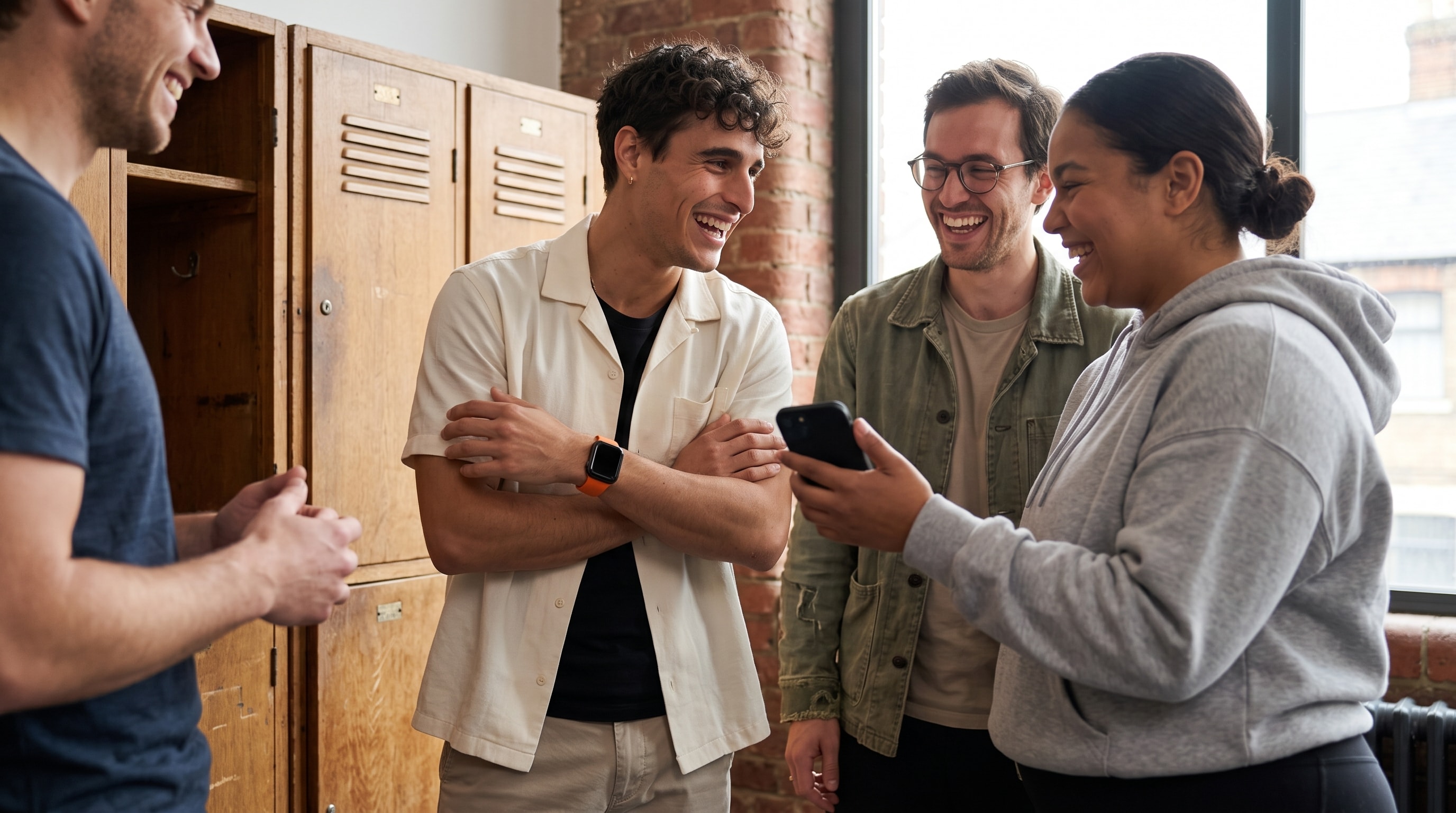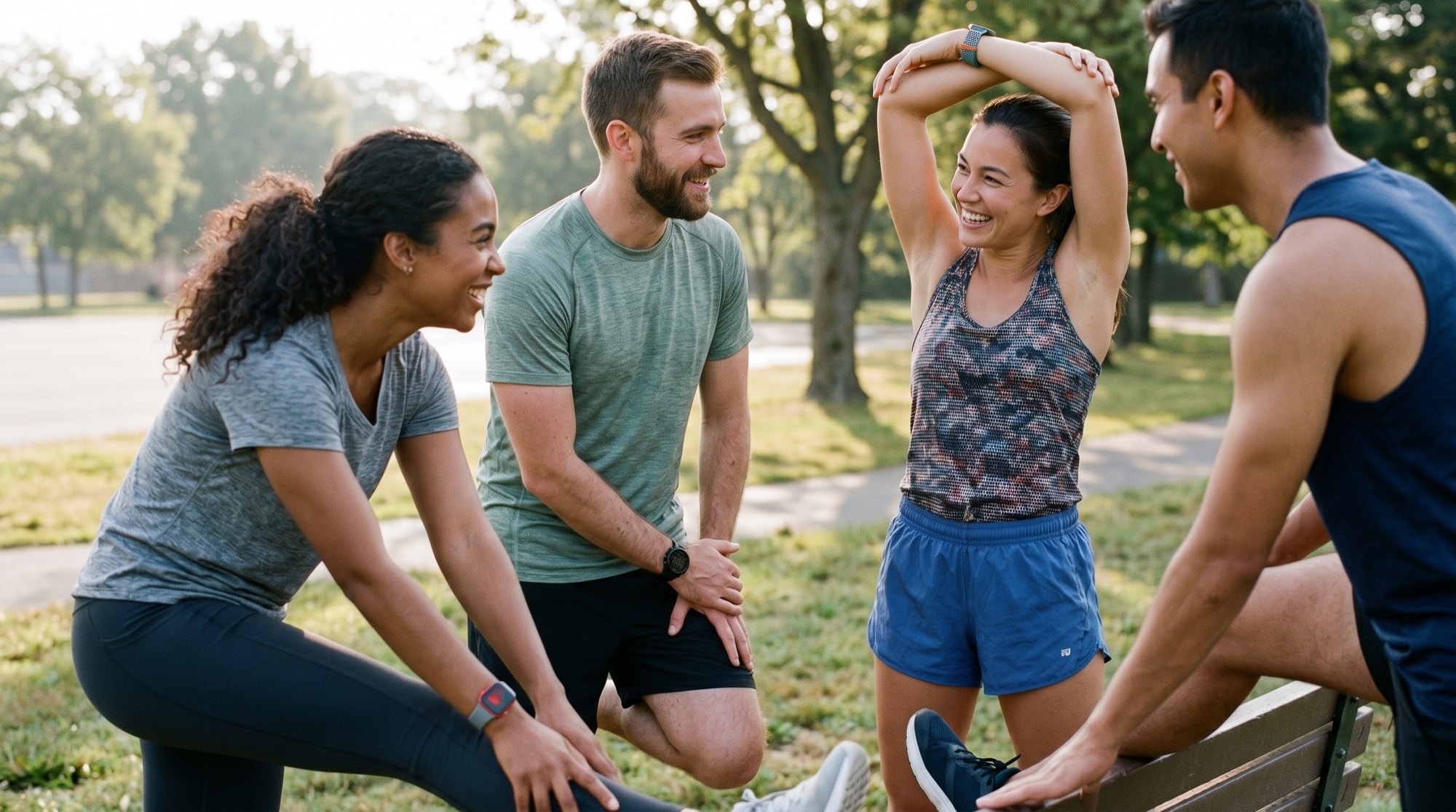
You and three friends want to run a step or activity challenge. One of you has an Apple Watch, one swears by their Garmin, one lives in a WHOOP band, and one just tracks everything on their Oura ring. The moment you try to set it up, you hit the wall: almost every fitness competition is locked to one kind of device.
That wall exists because most competition features are locked to one device family. You can run a fair competition across mixed wearables without making anyone buy a new watch.
Why Apple's built-in sharing won't work
Apple's Activity sharing works well if everyone you compete with owns an Apple Watch. That's the catch. Activity competitions live inside the Fitness app and read Apple Watch ring data, so the moment one friend is on Garmin or Fitbit, they simply can't join. There is no "invite an Android friend" or "invite a WHOOP user" button, because the feature was never built to look outside Apple's own hardware.
Most third-party competition apps have the opposite problem in a different shape: they pull from one data source well and treat everything else as a second-class citizen, or they only count steps, which throws away the cyclist and the rower entirely.
The real problem: every wearable counts differently
Even if you could get everyone's numbers into one place, raw numbers don't compare cleanly. Apple, Garmin, Fitbit, WHOOP, and Oura each estimate calories with their own model, set their own activity goals, and define a "workout" slightly differently. A 500-calorie day on a Garmin is not the same effort as a 500-calorie day on an Apple Watch.
- Calories: vendor-specific models that routinely disagree by 20 to 40% for the same activity.
- Goals: your Move goal and your friend's Move goal are personal, so "hit your goal" isn't the same bar for both of you.
- Steps: the most portable metric across devices, but useless for swimmers, cyclists, and rowers.
| Metric | Cross-wearable issue |
|---|---|
| Calories | Vendor models routinely disagree by 20 to 40% for the same activity |
| Goals | Personal Move goals: "hit your goal" is not the same bar for both people |
| Steps | Most portable metric, but useless for swimmers, cyclists, and rowers |
So a fair cross-wearable competition needs two things: one place that ingests every device, and a scoring layer that normalizes the differences instead of pretending they don't exist.
How MoveTogether makes it fair
MoveTogether is built specifically for this. It reads activity from Apple Watch, Fitbit, Garmin, WHOOP, Oura, Strava, and Polar, or just a phone, through Apple Health on iPhone or Health Connect on Android, into one live leaderboard, then scores everyone on the same basis so the device you happen to own doesn't decide who wins.
Every scoring mode works for a mixed group, because every device's data arrives the same way and every mode scores the same Move, Exercise, and Steps numbers. If fitness levels differ a lot, Percentage of Goals scores each person against their own goal, so effort competes against effort.
Setting it up, device by device
Each person turns on sharing from their tracker's own app into Apple Health (iPhone) or Health Connect (Android), installs MoveTogether, and picks the one tracker that counts. After that, steps, workouts, and calories sync automatically. No manual entry.
| Device | How it reaches MoveTogether |
|---|---|
| Apple Watch / iPhone | Apple Health: includes Tonal, Peloton, 100+ apps |
| Garmin | Garmin Connect shares to Apple Health or Health Connect |
| WHOOP | The WHOOP app shares to Apple Health or Health Connect |
| Oura | The Oura app shares to Apple Health or Health Connect |
| Polar | The Polar app shares to Apple Health or Health Connect |
| Fitbit | Google Health shares to Apple Health or Health Connect |
| Strava | Shares workouts (not all-day steps): good for runners and cyclists |
Apple Watch (and iPhone-only)
Connects through Apple Health, so anything that writes to Health counts: Apple Watch, plus Tonal, Peloton, and 100+ apps. No watch? An iPhone in your pocket still tracks steps and counts.
Garmin, WHOOP, Oura, Polar
Turn on sharing once in each brand's own app: Garmin, WHOOP, Oura, or Polar writes to Apple Health or Health Connect, and MoveTogether reads it from there. After that, syncing is automatic.
Fitbit and Strava
Fitbit shares the same way, and Strava brings workouts, useful if some friends are runners or cyclists who already log everything there. If you're weighing Strava as your main app, the Strava vs MoveTogether breakdown covers why most people end up using both.
What if some of us are on Android?
MoveTogether is available on iOS and Android. iPhone and Android friends compete on the same leaderboard. MoveTogether reads Apple Health on iPhone and Health Connect on Android.
Frequently asked questions
Can Apple Watch and Garmin users compete in the same challenge?
Yes. That's the entire point of MoveTogether. Apple Watch, Garmin, Fitbit, WHOOP, Oura, Strava, and Polar all feed one leaderboard, and every scoring mode scores the same Move, Exercise, and Steps numbers, so it stays fair across devices.
Do I need a wearable at all?
No. A phone alone tracks steps and basic activity through Apple Health or Health Connect, so a phone-only friend can still compete. They'll just be scored on what the phone can measure.
Do I need Pro to compete?
No. Friends, competitions, and activity tracking come with every plan. A Pro subscription adds Coach Mo (the AI coach), advanced analytics, and more, but you don't need it to run a real competition.
How often does it sync?
Automatically in the background once your tracker shares to Apple Health or Health Connect. No screenshotting step counts into a group chat.
Bottom line
Mixed-wearable challenges are a pain because most apps were built to count one ecosystem, not because of your friends' gear. Put everyone in one app that ingests every major tracker and normalizes effort instead of comparing hardware, and the Apple Watch vs Garmin vs WHOOP problem disappears.
See every supported wearable, or grab the app and start a competition with whatever your friends already wear.
Available on iOS, with Android. Works with anything that syncs to Apple Health or Health Connect, including Fitbit, Garmin, WHOOP, Oura, Strava, and Polar.