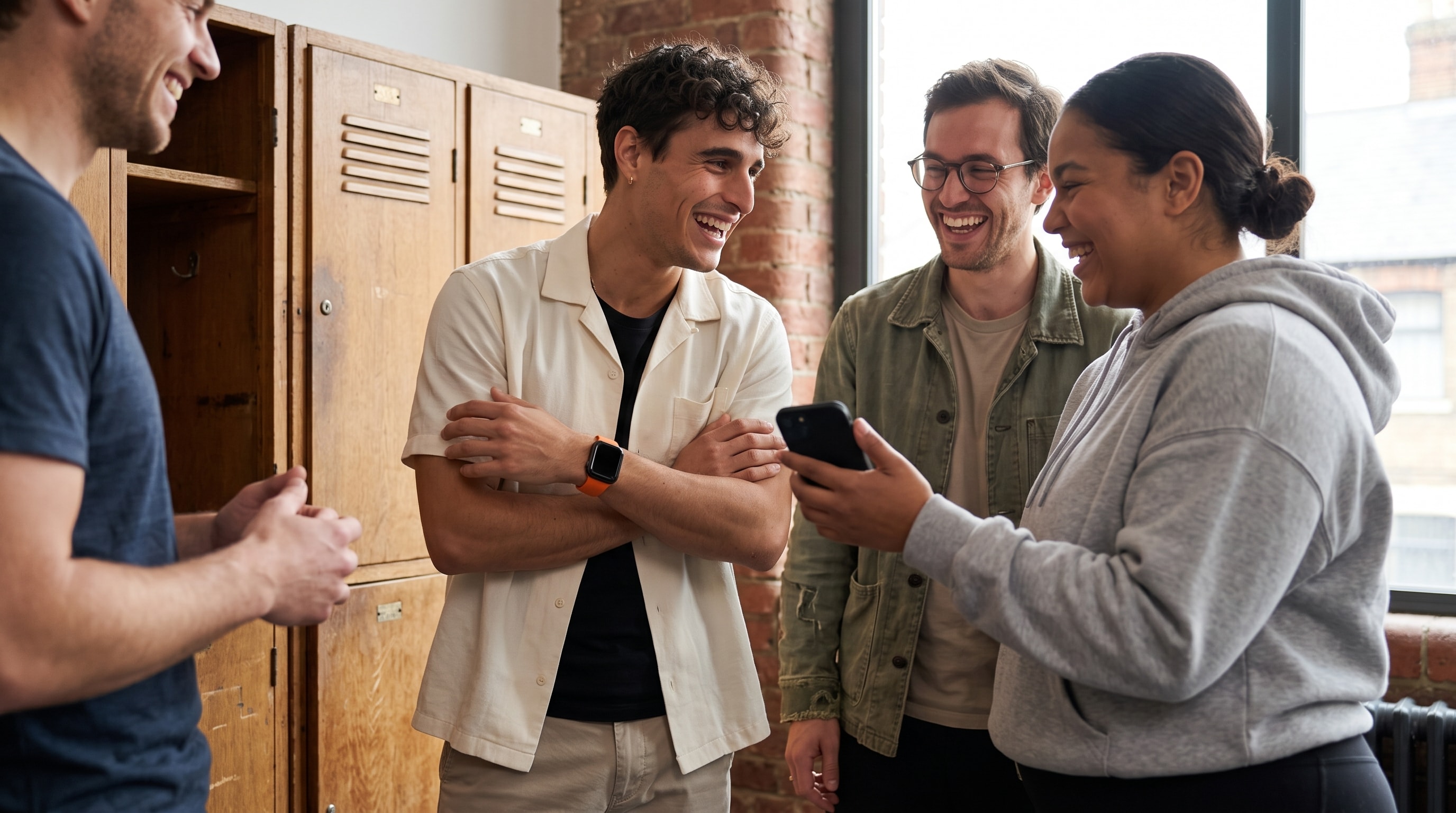
You just set up your first wearable and the group chat has already decided you're all doing a fitness challenge. One person has an Apple Watch. Another lives in Garmin. A third swears by WHOOP. Someone else has nothing but an iPhone in their pocket. The obvious question is which app to use. The harder one comes first: what counts as fair when everyone's data comes from somewhere different?
A group fitness challenge app is not a step tracker with a leaderboard bolted on. It has to pull activity from unlike sources, read those signals consistently, and turn the result into a competition people actually trust. That means the scoring, the formats, and the social design matter more than animated rank changes or a wall of badges.
Why most group fitness challenges break before they start
The chat opens with confidence. Someone floats a weekend step challenge. The Apple Watch user posts a screenshot, the Garmin user posts a total, the WHOOP user asks whether strain counts, and the person with only a phone wonders if they can even join. Nobody did anything wrong. The challenge just has no shared way to measure anyone.
These systems aren't interchangeable by default. Apple Health centers on Move and Exercise activity plus steps. Garmin leans on steps, distance, and workouts. WHOOP organizes everything around strain and recovery. Oura brings its own readiness context. A phone can estimate movement without a watch, but that estimate rarely lines up cleanly with wrist data.
Raw totals make it worse. Step counts alone shift with how and where a device is worn, so a leaderboard can look objective while quietly rewarding one device or one walking style. A person whose tracker misses steps falls behind even when they moved just as much. Someone who cycles, rows, or lifts contributes real effort that a step-only contest barely registers.
Invites cause a second, separate failure. Some apps assume everyone is on one device ecosystem. Others make each person create an account before they can even see the challenge. Send the invite through an app half the group doesn't have, and people drop out before the thing ever gets social.
A useful group fitness challenge app solves the boring parts first. It accepts more than one data source, explains how the scoring works, gives everyone one place to check progress, and lets the phone-only person take part. Motivation comes after that. Without a scoreboard people believe in, motivation has nowhere to land.
What a group fitness challenge app actually is
A group fitness challenge app turns activity from wearables or phones into a shared, time-bound competition. Nobody needs the same watch, the same health platform, or any wearable at all. The app's job is to make unlike activity records usable inside one social experience.
A simple mental model helps:
- Data comes in. The app reads activity from connected services like Apple Health, Fitbit, Garmin, WHOOP, Oura, Strava, Polar, or the phone's own sensors.
- The data gets interpreted. A scoring method translates those readings so people aren't compared through incompatible raw numbers.
- A shared ranking appears. Everyone sees standings, gaps, and progress toward the target.
- The ranking creates a social loop. Friends react, chat, chase a rival, or race a past version of themselves.
A normal tracker answers one question: how active was I today? A competition app adds a second one: how is my progress changing the group's game? That can look like a live leaderboard, a scheduled event, a recurring league, or a quiet race against your own best week.
Leaderboards make progress glanceable instead of buried in five separate device apps. Leagues add structure by sorting people into recurring groups with movement between tiers. AI coaching can add interpretation and encouragement, but it can't rescue a scoring system nobody understands. The social layer matters because competition isn't only about winning. Some people want a close rivalry. Others want a gentle nudge or a team target without posting their health details for everyone to see.
The features that separate real competition apps from fancy trackers
A serious competition product has to connect several systems that usually live apart. Sync feeds the scoreboard. Scoring decides whether the scoreboard deserves trust. Social tools and coaching decide whether anyone keeps opening it.
Sync and normalization
Coverage is the foundation. MoveTogether reads Apple Health, Apple Watch, Google Fitbit, Garmin, WHOOP, Oura, Strava, Polar, and iPhone-only activity. The point isn't that every device measures the same thing, because they don't. The point is that a competition layer can translate those different signals into one stated scoring model instead of dumping them on a board raw.
Transparent scoring
People should know whether the app is using Ring Close Count, Percentage of Goals, Raw Numbers, Head to Head on steps, or Workout Based scoring. Each one answers a different question. Raw Numbers rewards volume. Percentage of Goals softens the advantage of an unusually high target. Workout Based gives non-step activity a place to count.
Apple's own Activity Rings have a narrow definition. Each of the three rings tracks one specific metric, like Move or Exercise, and Apple designs the ring element for those metrics rather than as a generic chart for unrelated data. That distinction matters the moment an app builds a cross-device score around ring progress.
Live leaderboards
A leaderboard should show more than a frozen rank. Rank changes, gaps, and progress toward the target help people see what would actually change the result. It also has to update on its own, so no single volunteer ends up collecting screenshots or babysitting a spreadsheet. For the source data that eventually feeds a challenge, our guide to tracking workouts covers how each device reports activity in the first place.
Leagues and repeat formats
A one-off event can be fun. Move Leagues add a reason to come back, dropping you into a fresh weekly cohort of up to 30 people at your tier, with promotion for the top finishers and demotion for the bottom few. That reset also protects against a predictable problem. If the strongest person wins forever, everyone else just gets a weekly lesson in their own irrelevance. Tier movement keeps the competition reachable.
AI coaching
Coach Mo handles conversation, motivation, and competition strategy. It can help you decide whether to chase a gap, protect a lead, or focus on your own benchmark. It is not structured sets-and-reps programming, so no app should sell it as a replacement for a training plan. Ongoing Coach Mo access comes with Pro.
Social tools and privacy
Activity feeds, reactions, and group chat turn numbers into interaction. A single reaction can keep a quiet participant involved. A mid-week message can make an update feel like a shared event instead of a private health report. Health data still deserves restraint, though. Apple's own guidance treats Activity Rings as one person's progress, not a shared display, and shared competition shouldn't erase personal boundaries. The social layer should be something people opt into, not a default that exposes them.
Who these apps are actually built for
The right audience isn't defined by athletic ability. It's defined by the group's mix of devices, motivation, and tolerance for public comparison.
Mixed-device friends
This is the clearest case. One friend has an Apple Watch, another Garmin, another WHOOP, and someone else just an iPhone. A single-brand challenge forces one of them to switch tools or sit out. A cross-wearable app lets each person keep the source they already use while everyone plays by one visible set of rules. The ecosystem is genuinely scattered, from Apple Watch and Garmin to Polar, WHOOP, and Oura, and those streams don't line up automatically just because they all count activity.
Couples and families
A household often wants shared accountability without turning every workout into a contest. A personal-progress view or a low-pressure format tends to work better than a public ranking here. Families also lean on simple invites and iPhone-only participation, because not everyone wants to buy another device. We wrote a full playbook for this in our family fitness challenge guide.
Clubs and teams
Running groups and recreational teams usually want recurring events: a weekly ladder, team totals, or a short push toward a shared goal. Their main failure mode is admin. If one organizer has to reconcile every platform by hand, the challenge turns into a part-time job and quietly dies.
Workplaces
Workplace challenges need clear boundaries. A company might want participation and camaraderie without exposing anyone's health details to managers or coworkers. The app should keep the social layer optional, say plainly what data is visible, and never let a leaderboard read as a health evaluation.
Data-driven people
Some participants want trend lines, rivalry context, and coaching while still enjoying a group. They tend to care about gap tracking, weekly recaps, and Past You Ghost, which lets you race your own best completed week alongside the group race. That audience wants depth, but not at the cost of rules the rest of the group can follow.
A quick decision rule helps. List the group, list every data source, then ask whether the real goal is friendly accountability, competitive ranking, recurring league play, or performance analysis. Pick the app that serves that goal without shutting out the least-equipped person in the group.
How to choose one without getting burned
Start with the data sources, not the screenshots. Write down what everyone actually uses. Apple Health can take in Apple Watch data plus activity from a long list of other apps, and an iPhone-only person can still contribute an approximation of Move activity from steps and workouts. Health Connect does the same job on Android. Fitbit, Garmin, WHOOP, Oura, Strava, and Polar share into either from their own apps. The iOS app is available today, and Android is on Google Play.
Then test scoring transparency with one question. If one person contributes an Apple Watch Move ring, another Garmin steps, and another WHOOP activity, can the app explain how those become comparable? If the answer hides behind a vague “smart score,” you're asking the group to trust a result they can't inspect.
Next, look at the formats. Weekend sprints, weekly events, monthly challenges, team modes, and recurring ladders all suit different groups. Check how late joins, missed syncs, and disconnected accounts get handled before anyone starts. Judge the coach by behavior, not personality: does it reference your real activity and offer competition strategy, or just produce generic encouragement?
Use this checklist before committing:
| Feature area | What good looks like | Red flag |
|---|---|---|
| Device coverage | Every participant can connect a supported source or their phone | One ecosystem is treated as the default |
| Scoring | The method and rules are visible before launch | A single unexplained score decides everything |
| Challenge formats | Short events and recurring structures both exist | Every contest uses the same format |
| Coaching | Advice responds to your activity and the competition | A named chatbot gives generic prompts |
| Social controls | Participants choose what they share | Health details are public by default |
| Pricing | The cost matches what the group needs | Basic participation is locked behind signup |
MoveTogether keeps pricing simple. Pro is the upgrade, at $12.99 a month or $99.99 a year on Apple, and $9.99 a month or $79.99 a year on the web. It pairs well with whatever measurement app you already like, since it's the competition layer rather than a replacement for it. It doesn't do GPS routes, so it won't stand in for a route-focused service.
Running your first challenge from setup to finish line
A first challenge should be easy to join and hard to misunderstand. Start by checking the connection path. On iPhone, MoveTogether reads Apple Health; on Android, Health Connect. Anyone on Fitbit, Garmin, WHOOP, Oura, Strava, or Polar first turns on sharing in that brand's own app. Check every person's path before you announce a start date.
Choose the format before the invite
- Weekend sprint. A compact event for a friend group that wants quick feedback.
- Weekly challenge. Enough time for different schedules and activity types to show up.
- Monthly event. Good for habit-building, as long as the scoring doesn't reward only one kind of movement.
- Move League. A recurring ladder for people who enjoy promotion and demotion.
Then pick one of the seven scoring methods. Ring Close Count suits groups already living in Activity Rings. Percentage of Goals makes different personal targets easier to compare. Total Activity is direct but favors whoever has more time or a higher device total. Workout Count gives structured sessions a clearer role. Personal Goal lets each person pick their own target. Stick To It rewards hitting one daily goal, not winning a race. Head to Head on steps is familiar but undervalues some activities, and Head to Head can also run on calories or exercise minutes. For a longer event rather than a quick test, our 30-day fitness challenge app guide walks through the planning.
Make joining boringly easy
Send one shareable invite that works for the platforms your group uses. Don't invite someone through an app they don't have and assume they'll figure it out. Put the start time, end time, scoring method, accepted data sources, and the rule for missed syncs in the same message. A clear launch note usually covers a few things:
- The challenge starts at the stated local time.
- The leaderboard uses the chosen scoring method.
- Everyone confirms their data source before the start.
- Late joins either start fresh or follow a stated catch-up rule.
- Sync problems get reported before the event closes.
Keep the finish line clean
Decide up front whether the winner is the highest score, the most rings closed, the strongest team total, or the biggest improvement against a personal baseline. Those are four different competitions. The best first challenge feels small enough to finish and clear enough to talk about afterward. Ask what felt fair, what felt confusing, and which activities went invisible. That feedback beats adding another badge.
Challenge formats and templates you can reuse
The format should match the group's social energy. More competition isn't automatically better. Public ranking clearly motivates some people, but a wide ability gap can turn the same board into a daily reminder that the contest was never built for them.
The weekend Move sprint
Run this with four to eight friends who want something quick. Go Friday through Sunday on Ring Close Count. The mechanic is immediacy: people check rank changes through the day, react to a strong finish, and keep the chat light. It also surfaces fairness problems fast. If one person has no compatible source or trains in a way the metric ignores, fix that before you run it again.
The weekly Percentage of Goals league
Use a recurring Move League for a bigger group, with weekly ladders and tier movement. Percentage of Goals shifts attention from raw totals to progress against each person's own target, which fits workplaces, clubs, and friend groups with mismatched schedules. A mid-week recap gives people time to change course, and promotion or demotion should feel like movement, not punishment.
The monthly Head to Head steps showdown
Pick this when the group already trusts steps as its shared metric. It's easy to explain and open to people on phones or different wearables, with one obvious blind spot: cycling, rowing, and strength work barely move the ranking. Past You Ghost turns self-comparison into a second race, so someone who isn't near the top still has a meaningful contest against their own best week. For more variations, our monthly fitness challenge ideas keep the same rule in view: make the metric match the people.
Honest limits and what to watch out for
Leaderboards cut both ways. They pull some people forward and push others out, especially when the ability gap is wide. Personal baselines, team formats, and Past You Ghost give those people another way to compete that doesn't depend on beating the fittest person in the group.
Privacy needs plain language too. Depending on the permissions someone grants, a challenge app might see movement, workouts, heart rate, or sleep. Participants should know exactly what the app reads, what the group can see, and what they can disconnect at any time.
Fairness also erodes over time. Wear time, device placement, filtering rules, and non-step exercise all bend the result, and step totals in particular can move a lot depending on how the data gets processed. So favor transparent scoring, inclusive activity options, and an easy way to compare progress against yourself. If the group is on mixed devices, put normalization ahead of decorative features. If everyone's on the same watch, just pick the format that matches how competitive you actually want to be.
A challenge only works when people believe the rules are fair, even on the days they aren't winning. Solve that, and the rest is packaging.
If you want a simple place to start, MoveTogether is built for exactly this. Everyone keeps the devices and apps they already use, and it puts Apple Health, Google Fitbit, Garmin, WHOOP, Oura, Strava, Polar, and iPhone-only activity on one live leaderboard, with Move Leagues and Coach Mo to keep the habit going. Download MoveTogether and start competing, with an optional Pro tier. MoveTogether is available on iOS andAndroid.
Third-party device and platform names belong to their respective owners. MoveTogether is available on iOS and Android.