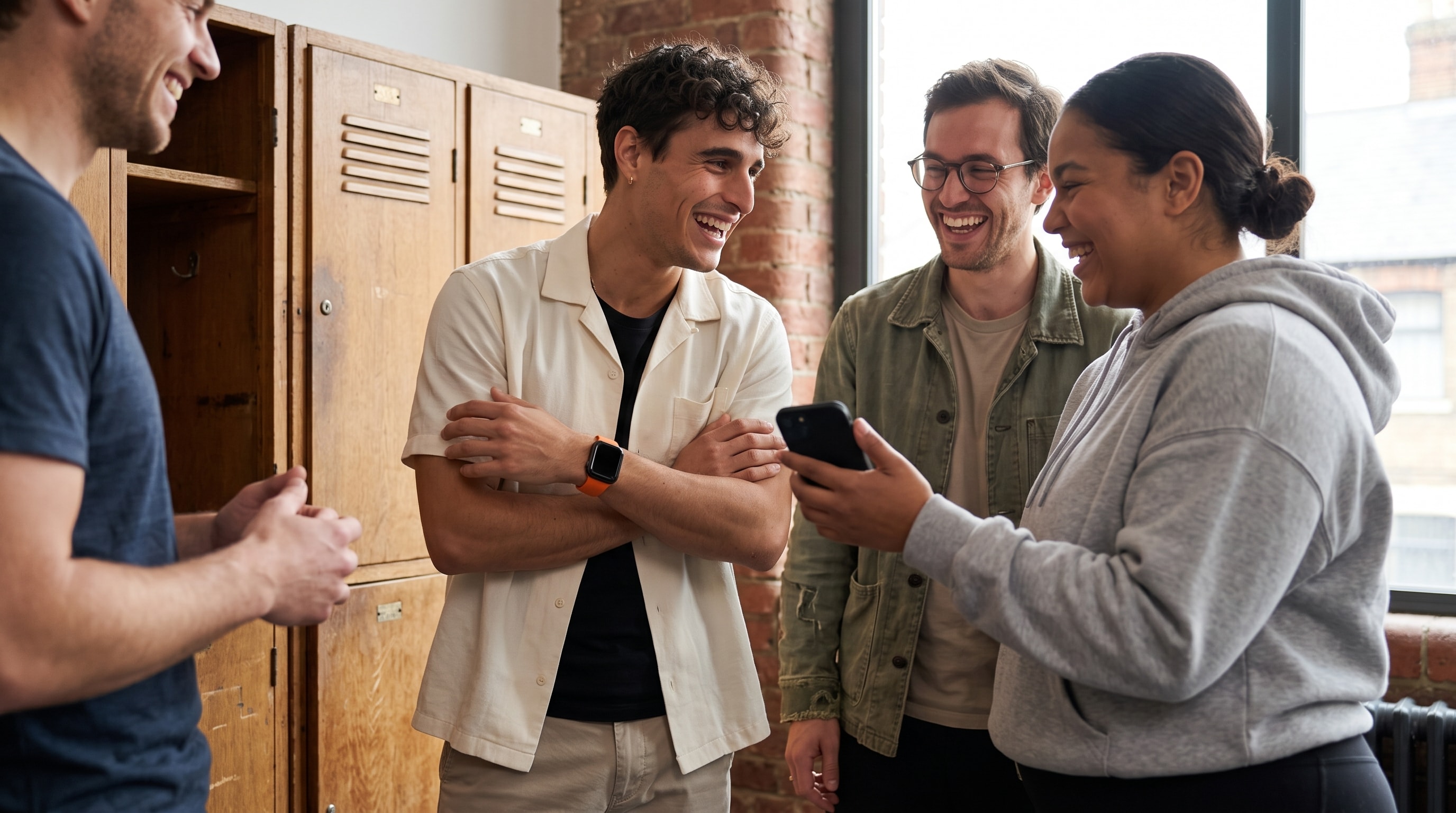
You have probably watched this fall apart. One friend is on an Apple Watch, one is deep in Garmin, one trusts WHOOP, and one just has an iPhone. Everyone says they are in for a step challenge, then the group chat stalls because nobody can agree on what counts, whose numbers get read, or why one person's totals look strangely easier to hit than everyone else's.
That awkward moment is the whole reason the social fitness app category exists. People do not work out in neat hardware silos. Friends, families, coworkers, and gym groups mix devices, mix fitness levels, and still want one shared place to compete without doing spreadsheet math before anyone breaks a sweat.
When your friend group cannot even start a challenge
The first failure mode is boring, which is exactly why it gets overlooked. Three friends agree to do a weekend step challenge. One has an Apple Watch, one wears Garmin, one tracks in WHOOP, and one only has an iPhone. By the time everyone tries to connect their data, the challenge has quietly turned into tech support.
Why the category exists
A social fitness app exists to make that mixed-device mess usable. It turns separate activity logs into one shared competition, so the group can see who is ahead, who is closing the gap, and who needs a nudge. That sounds simple, and it is the hard part.
This is why the category matters to more than hobby runners. It matters to families who want a shared challenge, to workplaces running a wellness contest, and to anyone who liked the social energy of an app like Strava but got stuck the moment the group was not all on the same gear. The real product question is not “can we log activity.” It is “can we make activity comparable across devices and still feel fair.” A useful accountability setup has to respect that the group is messy on day one.
What a social fitness app is
A social fitness app is built around shared accountability. Private movement becomes something other people can see, react to, compare with, or compete against.
The simplest way to think about it
A solo tracker answers one question: how did I do? A social fitness app answers a different one: how did I do compared with my people? That shift sounds small, but it changes the product.
A solo app centers a personal dashboard, your rings, your routes, your minutes, your trends. A social app adds the structures that turn those private logs into group behavior. That usually means leaderboards, competitions, leagues, group chat, reactions, and sometimes AI coaching that helps with motivation or strategy. Those parts are not decoration. They are the product.
The easiest way to tell the category apart from lookalikes:
- Generic social networks let people talk about workouts, but they are not built to score them.
- One-off fitness games can be fun, but they rarely anchor ongoing accountability.
- Social fitness apps are built so the social layer changes what you do next.
Why social has to be structural
If “social” only means you can add friends, the word is doing too much marketing work. A real social fitness product treats the group as part of the workout loop. You invite people, you compete in a time window, you watch rank movement, and the app reacts when someone uploads activity. People keep going when their progress is visible to a circle they actually care about.
That same product has to handle the everyday device mismatch. One person has an Apple Watch, another uses Fitbit, someone tracks through a phone, and a family member may not wear anything at all. If the app can only make sense of one setup, the group experience frays before the challenge gets going. Fairness ends up mattering as much as motivation.
The core features that define the category
Every social fitness app makes different trade-offs. Some lean hard into competition, some lean into coaching, and some try both and end up muddy. The useful question is not “does it have friends.” It is which parts of the social loop it actually supports.
Leaderboards and competitions
Leaderboards are the center of gravity. They let people see rank changes, gaps, and momentum, because competition without visibility is just private effort with a friend list attached. The better apps do not stop at one format. They give you weekend sprints, weekly challenges, and monthly events so the group can pick the rhythm that fits real life. A one-day burst suits a casual friend group. A monthly league works better for a club or workplace that wants people coming back.
Integrations and data sources
Good apps do not assume everyone wears the same thing. They read from Apple Health, Google Health / Fitbit, Garmin, WHOOP, Strava, Polar, Oura, and Ultrahuman, and they often need to accept iPhone-only users too. That is the only way a mixed group stays in the same game. In this category, integrations are not a back-end checkbox. They are the product boundary, which is why a supported-device list is worth reading before anyone commits.
AI coaching and social feedback
AI coaching shows up in a lot of modern fitness apps because people want more than a board. They want help deciding what to do, how to stay motivated, and how to compete without burning out. In a good product the coach responds to your actual behavior. In a sloppy one it just recycles generic encouragement.
Feeds, chat, invites, and self-competition
A social fitness app usually also carries an activity feed, group chat, reactions, and shareable invites. These feel minor until a challenge collapses because nobody saw the invite or nobody noticed the first upload. Self-competition is the quieter part of the category. Features that let you race your own recent history, plus streak-style mechanics and recaps, help people build momentum without a constant head-to-head edge.
How cross-device fairness actually works
Fairness is not automatic. A Fitbit and an Apple Watch do not measure the world the same way, and if an app simply totals activity, it can reward whichever source is easier to inflate. The scoring model is the decision that matters most.
Normalization before competition
The cleaner approach makes the scoring method explicit. Ring Close Count and Percentage of Goals score progress against each person's own goals. Total Activity and Head to Head on steps, calories, or exercise minutes use the activity values directly. Workout Count awards one point per day after a single workout longer than 15 minutes. Personal Goal scores the days you hit a target you picked, and Stick To It counts the days you hit one daily goal. Each method measures a different kind of activity, so groups can choose the one that matches the challenge they want to run.
What to ask any app
A serious app should explain how it scores. If it does not, you cannot tell whether you are competing on fitness or on whichever device happens to overcount more generously. The plain test: if two people on different devices cannot understand why one of them is winning, the app has not finished its job. Fairness is a product choice, not a bonus feature.
Who a social fitness app is really for
Not everyone needs this category. Some people are already consistent and do not want another layer of comparison. Others want structured training, not competition. Social fitness apps work best when the social part matches your actual motivation.
The people who usually get value
Mixed-device friend groups are the clearest fit. If one person uses Apple Watch, another uses Garmin, and a third wears nothing, the app can keep them in the same challenge without forcing everyone onto the same hardware. Couples at different fitness levels fit well too, as long as the score feels fair, because a head-to-head gets a lot less awkward when nobody is winning purely on a more generous device. Clubs, teams, and workplaces are another natural use case, since they usually want time-bound challenges and recurring leagues rather than a one-off.
Who should probably skip it
Solo users with a stable routine often do not need the extra noise. If you already know what you are doing and do not want outside comparison, a social layer can just become clutter. People who want structured programming, especially strength plans, may be better off with a dedicated training tool and a separate accountability layer if they want one at all. And if leaderboards stress you out, listen to that. The same board that keeps one person consistent can make another feel like they are always behind.
| User type | Usually a fit | Why |
|---|---|---|
| Mixed-device friends | Yes | Shared challenge without matching hardware |
| Couples | Yes | Fair comparison matters more than perfect parity |
| Workplaces and clubs | Yes | Recurring competitions keep groups engaged |
| Self-directed solo users | Maybe not | The social layer may add noise |
| Structured lifters | Maybe not | They may need programming more than comparison |
Privacy, fairness, and the downside nobody talks about
The glossy version of the category usually skips the hard parts. Once a social fitness app starts pulling in activity data, it may also touch heart rate, weight, sleep, cycle tracking, and location, depending on which integrations you turn on. That makes the privacy policy a real part of evaluation, not a legal footnote. The question is simple: if an app can read sensitive health data, what does it do with it? You want a clear answer on storage, resale, ad networks, and how much data the app genuinely needs to run a competition.
The fairness gap
Not everyone owns a wearable. Not everyone can afford one. Not everyone can do the same volume of activity. A leaderboard can quietly turn into a filter that favors people with more money, more time, or more mobility. “Social” cannot just mean “visible.” It has to mean usable, including for people the default design tends to leave out.
The psychological downside
Visibility motivates one person and discourages another. The same leaderboard that helps someone stay on track can make a different user feel like they have already lost, and upward comparison is a big part of why. That does not make these apps bad. It means the design choices matter. If a challenge makes you want to hide from the app after one bad week, the product is working against you.
How to evaluate a social fitness app before you commit
A lot of these apps look similar in the store. They are not. The easiest way to sort them is to test the parts that shape daily use.
- Start with the device list. Check how many sources the app reads from, and whether it accepts iPhone-only users. For a mixed group this is the first gate, because a challenge that excludes one friend is already fragile.
- Ask how scoring works. A good app should tell you which scoring methods it offers, such as Ring Close Count, Percentage of Goals, Total Activity, Head to Head (on steps, calories, or exercise minutes), or Workout Count. Hidden scoring means you are trusting the app with fairness you cannot inspect.
- Match the format to your group. Weekend sprints, weekly ladders, and monthly leagues solve different problems. Short formats suit casual groups. Recurring leagues make more sense for clubs, teams, or workplaces that need a habit.
- Check the coaching and social layer. If there is an AI coach, see whether it remembers context and helps with strategy or just gives pep talks. Look at what sits behind the paywall too, since chat, analytics, and reports vary from app to app.
- Run a short trial. Invite three or four friends, ideally on mixed devices, and run a one-week sprint. Judge the app on fairness and friction. Did everyone get in cleanly? Did the board make sense? Did anyone get left out by a clumsy setup?
Where MoveTogether fits in this picture
MoveTogether is one option in this category. It reads activity through Apple Health and Health Connect, which Google Health / Fitbit, Garmin, WHOOP, Strava, Polar, Oura, and Ultrahuman all share into, and it supports phone-only users on the same live leaderboard. On top of that it adds Move Leagues, Coach Mo, and the scoring methods above, so mixed-device groups can compete without pretending their hardware is identical. For people who would rather race themselves than a rival, Past You Ghost (Pro) puts your best completed week on the board as a live competitor.
It is worth being direct about the trade-offs. MoveTogether does not do GPS route mapping. It is available on iOS and Android. It also treats Strava, Fitbit, and Garmin as data sources you can keep using, not rivals you have to abandon. If mixed-device competition is the part that keeps breaking for your group, that is the problem it is built to solve first. You can see how it works on the competitions page.
Third-party device and platform names belong to their respective owners. MoveTogether is available on iOS and Android.