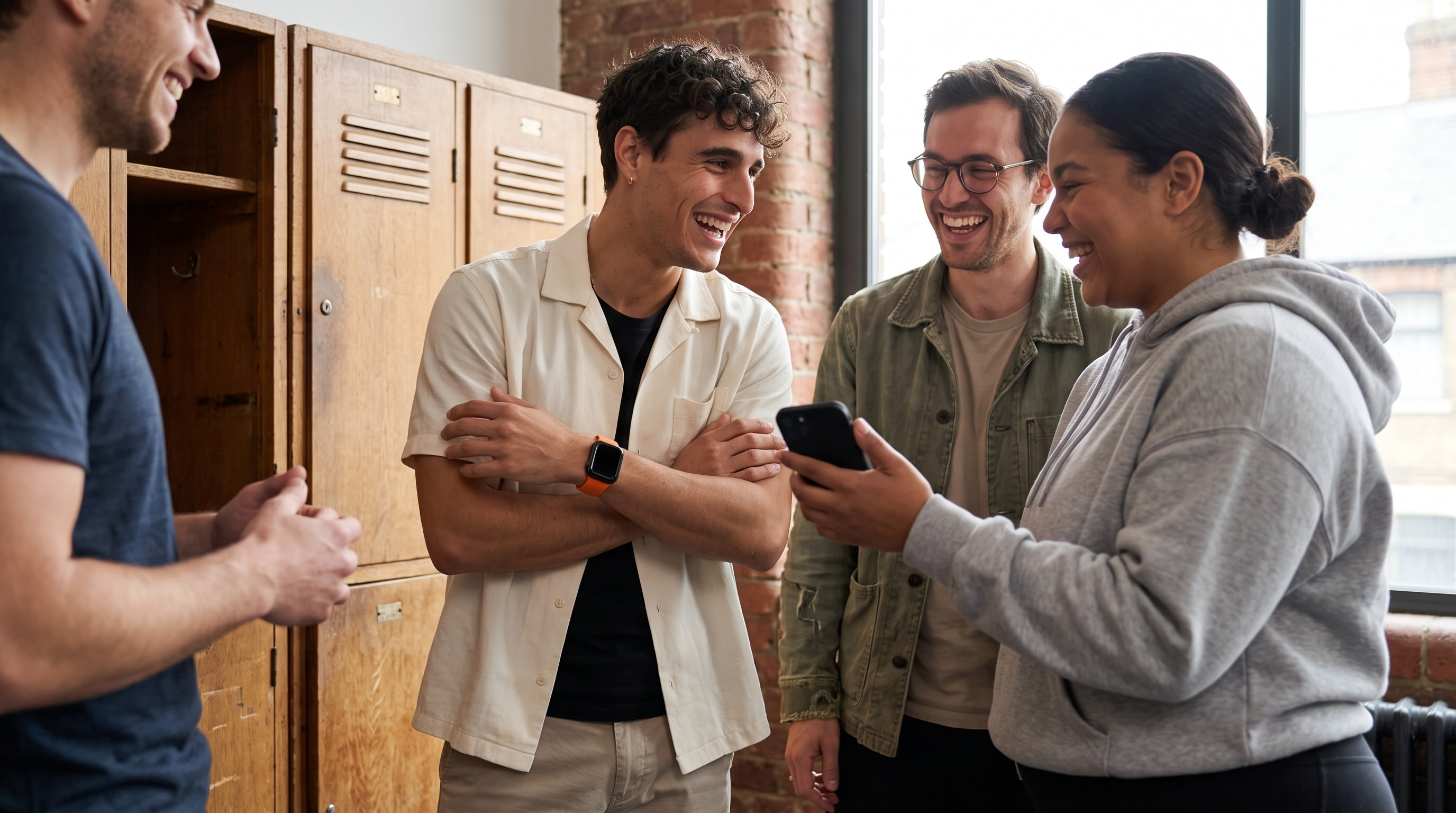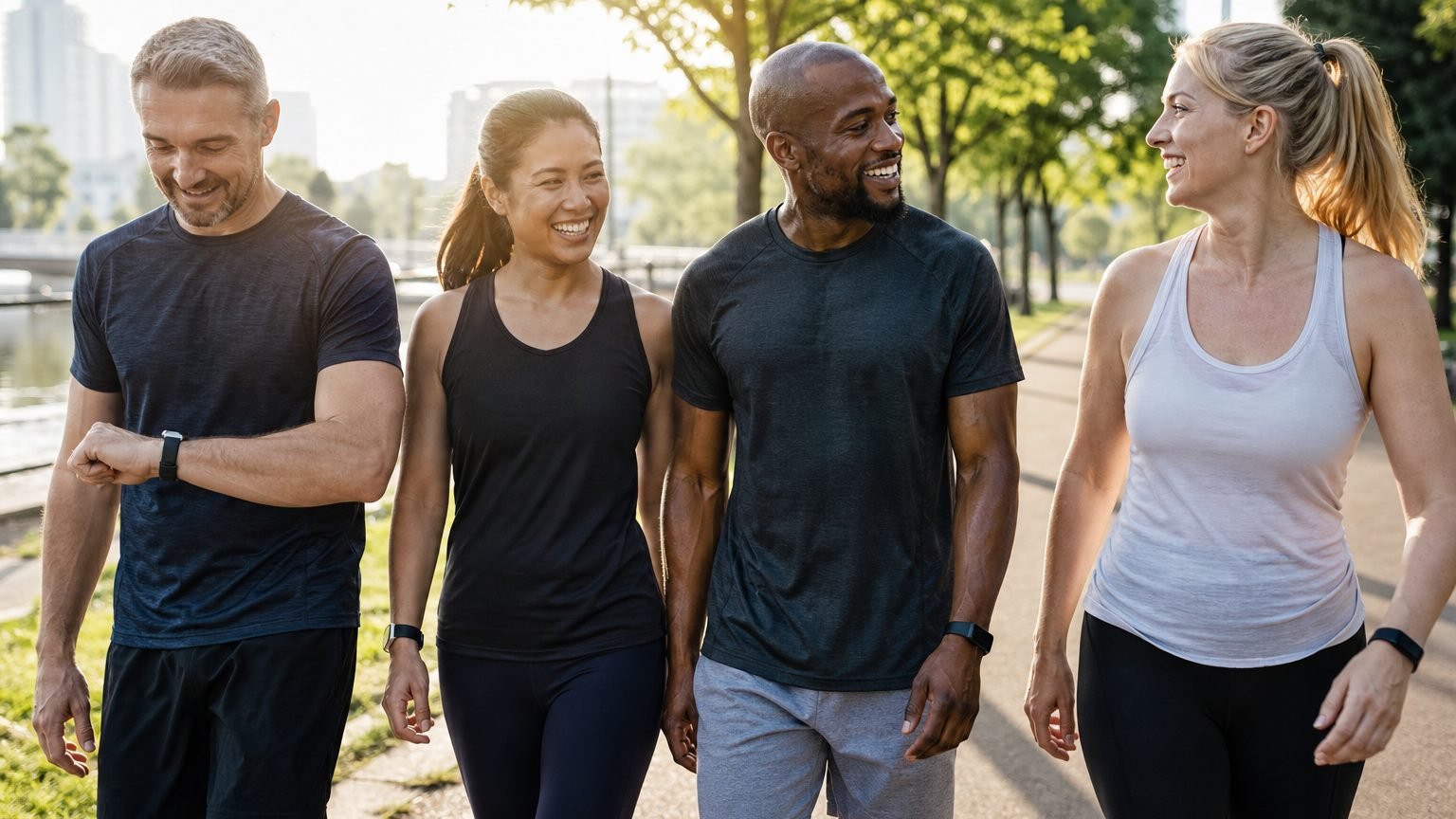
Your friends have already said yes in the group chat. One has an Apple Watch, one uses Garmin, one tracks with Google Health / Fitbit, and one just carries an iPhone. The step challenge sounds simple until the first screenshot lands and the numbers don't line up. That's where most of these plans break, and the problem usually isn't motivation. It's fairness.
A challenge only stays fun as long as everyone believes the leaderboard is honest. If one device counts light movement one way and another counts it differently, raw steps stop being a clean comparison. If the app can't handle mixed devices or a late sync, people notice fast, and the result is usually the same. Someone feels behind for reasons that have nothing to do with effort.
Why most step challenges fall apart before they start
Four friends can set up a step challenge in ten minutes and still end up with a bad experience by day two. The Apple Watch user is syncing cleanly. The Garmin user shows a different total after the next background update. The Google Health / Fitbit user thinks the leaderboard is wrong. The iPhone-only friend asks why they're being compared as if they had the same setup as everyone else.
That's the hidden problem. A challenge can look social on the surface and still be brittle underneath. Apple's built-in Activity sharing is fine inside Apple's world, but it doesn't solve a mixed-device group. Once non-Apple users enter the picture, the setup starts to fragment. Plenty of third-party tools help, but a lot of them still treat certain devices or reporting paths as second-class inputs.
Raw steps are a blunt instrument
A raw step total feels objective until you put different wearables next to each other. Each ecosystem measures motion with its own rules, sensor choices, and sync timing, so two people can work just as hard and still land on different totals. That's why fair scoring across devices matters more than most product pages admit. If the leaderboard can't explain why a Garmin user and an Apple Health user are being compared fairly, the challenge will feel off even when everyone is trying.
The deeper issue is trust. People don't need a perfect physiology model. They need a system they can understand and believe. When the app can't explain the scoring, participants stop checking it, and the challenge turns into background noise.
How a step challenge app handles mixed devices
A serious step challenge app doesn't just count steps. It has to read activity from several places, line it up, and rank people without feeling slow. MoveTogether reads Apple Health and Health Connect, which Google Health / Fitbit, Garmin, WHOOP, Strava, Polar, Oura, and Ultrahuman all share into. The hard part isn't receiving the data. It's making all of it behave like one competition.
When one wearable syncs late, the standings can briefly look wrong. That's not a cosmetic issue, because it changes how people feel about the contest. A good app resolves the late sync and recalculates rank as the new data lands, so the board catches up instead of freezing on a stale number. If you want the full walkthrough of connecting devices and keeping totals honest, the how to track workouts guide covers what belongs in the app and what should stay outside it.
Choosing the right scoring method for your group
The scoring method decides whether a challenge feels fair or frustrating. A mixed group doesn't always need the same rules, and forcing one model on everyone is usually where the tension starts. MoveTogether offers seven scoring methods so different groups can pick the kind of fairness they want.
A rough benchmark people already understand helps here. As a rule of thumb, 10,000 steps works out to somewhere around four to five miles for an average stride, which turns a vague activity target into something concrete. A shared distance goal is easier to explain across different fitness backgrounds than a pile of device-specific metrics.
| Scoring method | Best for | Fairness across levels |
|---|---|---|
| Ring Close Count | Groups that want daily consistency over volume | Good, because it rewards completion, not the highest total |
| Percentage of Goals | Mixed fitness levels and mixed devices | Strong, because it scores each person against their own targets |
| Total Activity | Groups that want a combined activity score | Best when the group agrees on a total-effort race |
| Head to Head | Straightforward races on steps, calories, or exercise minutes | Medium, if devices and habits are comparable |
| Workout Count | Groups centered on dedicated workout sessions | Useful when passive activity should not decide the result |
| Personal Goal | Groups where each person wants to pick their own target | Strong, because everyone scores against a target they chose |
| Stick To It | Groups that want to build a daily habit | Good, because it rewards hitting one daily goal, not the highest total |
Match the metric to the group, not the ego
Ring Close Count works when you want consistency to matter more than volume. It suits people who want to show up daily without turning the challenge into an endurance contest. Percentage of Goals is better when the group has very different baselines, because a casual walker and a strong athlete can both compete fairly against their own targets.
Total Activity, Head to Head, Workout Count, Personal Goal, and Stick To It give groups more ways to decide what they want to reward. Before choosing a step-focused format for a mixed group, confirm that every connected source contributes the metric the competition will use. If you want a deeper look at how the trackers themselves compare, the fitness tracker comparison guide is worth a read before you lock in a model.
Setting up a cross-device challenge without the friction
The fastest way to lose a group is to make setup feel like homework. Ask people to download an app, create an account, hunt for a code, and then maybe join the challenge, and every extra step drops participation. A better flow gives people one clean path in, then lets the app handle the rest.
Choose a starting data source, then add another when needed
Onboarding starts with Apple Health on iPhone or Health Connect on Android. That covers Apple Watch and phone-only participants without making them fake a wearable they don't have. People using Google Health / Fitbit, Garmin, WHOOP, Strava, Polar, Oura, or Ultrahuman turn on sharing in that brand's app, then pick it as the one tracker that counts. They can change it later in Settings > Data Sources. That is simple enough for real groups to understand, and if you need a tutorial just to get people into the challenge, the join flow is already too heavy.
Keep invitations boring and fast
Single-link invites work because they remove decision fatigue. People open a link, confirm the connection, and join. Nobody wants to bounce between apps or copy a code out of a message thread that's already buried under weekend plans. The shorter the path, the better the adoption.
Duration should be equally plain. Weekend sprints, weekly challenges, and monthly events all have a place. Move Leagues are useful when the group wants a recurring ladder with promotion and demotion, dropping you into a fresh cohort of up to 30 people every Monday. For a one-off challenge, keep the structure lighter and pick a single window everyone can remember.
Keeping people motivated after the first week
The first week is easy, because the novelty does most of the work. After that, people need reasons to come back, check the app, and care about the next walk. The strongest setups give them more than a static leaderboard.
Build a few layers of motivation
Knowing the gap helps, because people want to see how close they are. A live board that shows someone a few hundred steps back changes behavior fast. Move Leagues add recurring stakes through weekly promotion and demotion, which gives the group a rhythm instead of a single finish line. Coach Mo helps too, because motivation lands better when it reacts to what a person actually did rather than repeating generic encouragement.
Past You Ghost adds a different kind of pressure. It puts your best completed week on the board as a live competitor, so you can race the version of yourself who showed up on a good week even while the group race continues around you. It's part of MoveTogether Pro, and it matters most in mixed groups where not everyone wants the same kind of rivalry. Some people want a direct contest. Others want a clean personal benchmark, and this gives them one.
Use social features, not just a scoreboard
Daily challenges, weekly reports, activity feeds, reactions, group chat, and direct messages all create touchpoints. None of them works alone. Together they keep the challenge visible enough that people remember it before the day gets away from them, and that's usually the difference between a group that fades and one that keeps coming back.
Coach Mo is worth setting expectations on here. It handles conversation, motivation, and competition strategy, and it's not a structured sets-and-reps workout planner. The value is in the back-and-forth and the memory across sessions, not in writing gym programs. For teams that want a ready-made competition layer, MoveTogether also brings Activity Rings, Move Leagues, and Streaks & Shields, the last of which quietly holds a streak through one missed day so a single bad Tuesday doesn't reset a month of momentum.
What happens to your data after you join
A lot of people join a challenge without asking where their activity data goes next. That's worth a beat, especially for workplaces, clubs, and family groups where trust matters. A step challenge app should collect what it needs to run the competition and coach you, and be clear about the rest. Before you invite employees or relatives, it's fair to ask whether the app is using the data to run the contest or to build a commercial profile.
For that reason, the data-handling policy matters as much as the leaderboard. MoveTogether's pricing is straightforward too, with one optional Pro tier. Current eligible pricing is available on the pricing page. You can read exactly what MoveTogether stores and why on the privacy page.
How to tell if a step challenge app will actually work for you
A good step challenge app should solve five things without making you work for them: fair scoring across wearables, transparent rules, frictionless invitations, a leaderboard that keeps up as data lands, and some motivation layer beyond basic ranking. If one of those is missing, the experience usually shows it fast.
Use that checklist against your own group. If everyone has the same device and the same fitness level, a simpler app can be enough. If the group is mixed, fairness matters more than slick branding. Apple Health support alone doesn't mean an app handles Google Health / Fitbit, Garmin, WHOOP, Strava, Polar, Oura, or Ultrahuman in a comparable way.
MoveTogether fits well for mixed-device friend groups, families with different fitness levels, workplaces running time-boxed challenges, and data-driven people who want AI coaching. It's less of a fit if you need GPS route tracking or structured workout programming. That limit is real, and it's better to name it than oversell the tool.
The clearest test is simple. If the leaderboard feels fair, the invite flow is easy, and people keep checking the challenge after week one, the app is doing its job. If not, the issue is probably the scoring model or a data problem, not the group's motivation.
If you want a cross-device challenge that treats fairness as a product requirement instead of a marketing line, MoveTogether is built for exactly this. People keep the devices and apps they already use, and it puts Apple Health, Google Health / Fitbit, Garmin, WHOOP, Strava, Polar, Oura, and Ultrahuman on one live leaderboard, with Move Leagues and Coach Mo to keep the habit going. Download MoveTogether and start competing, with an optional Pro tier. Available on iOS and Android.
Third-party device and platform names belong to their respective owners. MoveTogether is available on iOS and Android.