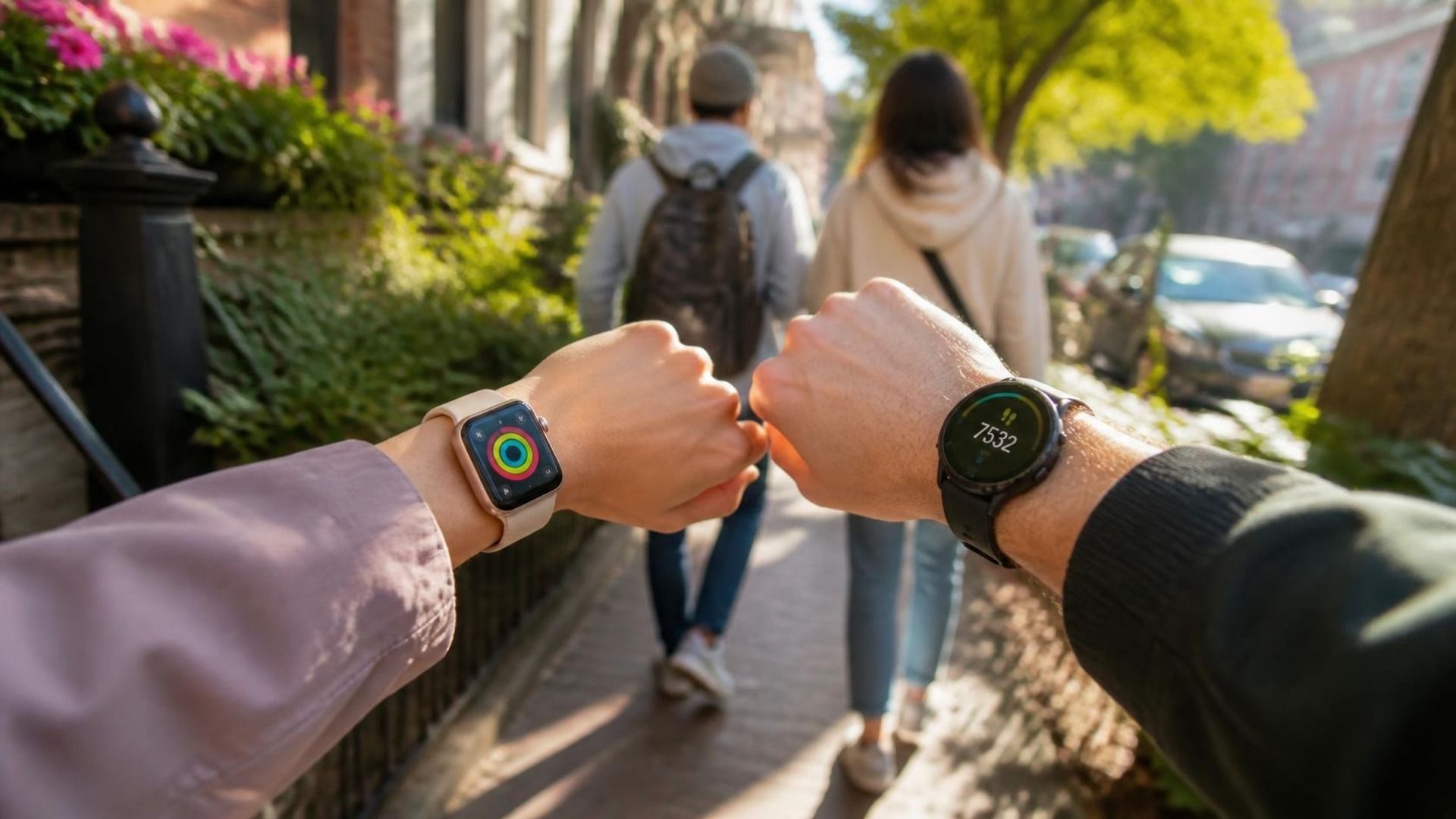
You and a friend start a step challenge on a Monday. By day three, your Apple Watch says 11,400 steps. Their Garmin says 10,100. Same day, same route, roughly the same pace. One of you is now sure the other is cheating.
Nobody is cheating. The devices just count differently, and if your challenge rules don't account for that, the argument arrives before week one ends. The problem here is measurement, not motivation. That is fixable, and this post walks through exactly how: why the numbers diverge, which scoring method neutralizes the gap, and what to publish before day one so nobody has to litigate it later.
If you want the short version: pick one metric. Use Percentage of Goals so each person races their own goal. Publish the rules up front, and put both watches on one leaderboard that syncs automatically. The rest of this post explains why each of those steps matters.
Why the two watches don't agree
Apple and Garmin both end up in the step-counting business, but they take different roads to get there.
Apple Watch feeds Apple Health, Apple's on-device store for fitness data from any connected source. Garmin feeds Garmin Connect, which syncs into Health Connect (Android's equivalent of Apple Health) or gets exported elsewhere. Those are separate pipelines with separate smoothing rules. Apple Health aggregates, deduplicates, and sometimes overrides watch data with phone-carried steps during the day. Garmin's pipeline treats the watch as the source of truth and behaves differently when the phone contributes.
Then there is the algorithm itself. Step detection is a wrist-accelerometer guessing game: stride length, cadence thresholds, how aggressively the device filters out non-walking motion. Apple and Garmin tune those filters differently, and both have documented quirks. Push a shopping cart, ride a bike, or walk on a treadmill holding the rails and one watch will credit steps the other writes off. Wrist detection adds another wrinkle: take the watch off to wash dishes and each brand handles the gap differently.
Here is the honest framing: neither device is wrong. They answer a slightly different question about the same day. Apple's number and Garmin's number are both reasonable estimates of "steps taken," and reasonable estimates disagree. That is true of every fitness metric, and it is why our active calories guide is careful about what calorie numbers can mean; calories are worse. Which brings us to the actual good news.
Steps are the most comparable metric you have
If you are choosing what to compete on across an Apple Watch and a Garmin, steps are the safest bet on the board.
Steps are the metric where device disagreement is smallest, though "smallest" still means real variance, not none. A widely cited free-living validation study (Bai et al., PLOS One, 2021) measured a 17 to 35 percent mean absolute error in daily step counts across consumer wrist devices, compared to a criterion research monitor (the ActiGraph device used in lab validation). So do not expect the two watches to agree to the step. What they do agree on is direction: both devices will rank a 15,000-step day well above a 5,000-step day, even if the exact totals differ. Calories diverge far more than steps, because energy-expenditure models differ by device, algorithm, and what each brand assumes about your body. Exercise minutes are messy too, since each platform defines and detects "exercise" its own way. We cover those gaps in more detail in our guide to competing with friends on different wearables.
So a step challenge between an Apple Watch and a Garmin is viable. It is not foolproof, and it needs rules, but you are picking the metric where the measurement argument is smallest. Now the question is how you score it.
Pick the scoring method before day one
This is the decision that determines whether the challenge ends in a group chat argument or a victory lap. MoveTogether offers eight scoring methods, and for a two-watch step challenge, two of them fit best. Pick one before the start date and lock it.
Option 1: Head to Head on steps. Head to Head is a scoring method that totals one raw metric, like steps, over the challenge window. The higher number wins. The "Head to Head" create card folds step count, calories, and exercise minutes into one picker; choose Step Count and you get a clean totals race. It is easy to explain in a single text message, which is a genuine virtue: nobody has to be taught the rules.
The trade-off is that a totals race rewards the person with the busier job as much as the harder effort. Which is the case for option two.
Option 2: Percentage of Goals. Percentage of Goals is a scoring method that scores each person against their own daily goal, capped at 100%. Instead of comparing raw totals between people, it measures completion against the target you set. This is the fairness fix: the challenge measures how much of your own daily target you completed, not how your numbers compare to someone else's. Each day, MoveTogether scores your percentage across the Move, Exercise, and Step goals you set for yourself, and each ring is capped at 100%, so nobody banks points just by having a low goal. It is the method designed to stop the leaderboard from being handed to whoever's job already has them on their feet. (We go deeper on the mechanics in Percentage of Goals.)
Whichever you pick, the rule stands: one metric, defined scoring, published before day one. Deciding "actually, let's also count ring closes" on day nine is how challenges lose the room.
The goal equalizer: a worked example
Here is the problem Percentage of Goals exists to solve. Meet two fictional people, each setting their own daily step goal:
- Dana works in a warehouse and walks about 20,000 steps a day just doing the job. Her goal: 21,000, a deliberate push past what the job gives her.
- Alex works at a desk and walks about 6,000 steps a day. Their goal: 8,000, a real stretch without being fantasy. Run a plain step totals challenge and the result is decided before day one. Alex would need to triple their daily movement just to stay within sight of Dana, and by Wednesday the leaderboard is a formality. Dana wins a contest Dana did not really enter. Alex stops opening the app.
Now run the same challenge on Percentage of Goals. Each day, each person scores how much of their own goal they completed, capped at 100% (shown here for the step goal; the same cap applies per ring):
| Dana | Alex | |
|---|---|---|
| Own daily step goal | 21,000 | 8,000 |
| Actual steps that day | 20,300 | 8,000 |
| Percent of goal | 97% | 100% (capped) |
Alex finishes ahead, because Alex completed their entire own target while Dana fell just short of hers. The cap is the honest part: Dana cannot bank points by walking 30,000 steps against a low goal, and Alex cannot win the week on one heroic blowout day. Over a week, the leaderboard tracks consistent completion, not occupation. The measurement gap between the Apple Watch and the Garmin is still there, but it is now noise on top of a signal that reflects effort against a target each person chose.
One practical note: Percentage of Goals scores against the Move, Exercise, and Step goals each person already has set in the app, not a number fixed at competition creation. If someone quietly lowers their goal mid-challenge to make it easier to hit 100%, that is worth agreeing not to do before day one, since there is no app-side lock preventing it. (Personal Goal, a separate create card, does fix each person's target at setup instead.) If the gap between people is extreme and even goal-relative scoring feels off, split into divisions instead: put similar fitness levels together and run parallel boards.
Rules to publish before the start date
Whatever scoring method you pick, write these down and post them before day one. Boring rules are what keep a mixed-device challenge standing:
- Phone steps count or they don't. Decide, and say which.
- Manual entry is excluded. Manual step logging is the easiest way to "win," so it is out.
- Treadmill walks count if the device detects them automatically. Note that detection is not perfect and that is fine, the rule is auto-detected or nothing.
- A tie-breaker is defined before anyone ties. Total points finish level more often than you would expect; something as simple as "more days at 100% wins" is cleaner and harder to game than raw volume.
- Weekly recaps, not daily noise. Daily standings swings invite over-analysis; one weekly update keeps the temperature sane.
- Device switches get announced. If someone moves from watch to phone mid-challenge, say so in the group. Silence is what starts the accusations.
If you want this automated
Everything above can run on a spreadsheet and a disciplined host. Most groups do not have a disciplined host, which is where we admit our bias: MoveTogether was built for exactly this setup.
MoveTogether reads from Apple Health and Health Connect, so an Apple Watch and a Garmin both land on the same server-side leaderboard with no manual entry and no screenshots in the group chat. The Host picks the scoring method at creation, including Head to Head on steps or Percentage of Goals, and the scoring runs itself for the length of the challenge.
Here is what it does not do, because a tool that oversells itself becomes the next argument: there is no route scoring and no GPS mapping. There is no manual sets-and-reps logging. This is a leaderboard and scoring system for all-day and auto-detected activity, not a training log. If your group wants segment times and KOM hunting, that is Strava's job, and our Strava comparison covers where it ends and a cross-device league begins.
Two things keep the group alive after the novelty fades, usually around week two. Coach Mo, MoveTogether's AI coach (they/them, mildly witty, never the bad cop), sends nudges when someone's streak is wobbling. And Move Leagues, a separate weekly ranking system, moves the competition to a recurring cycle where you climb from Walker to Legend across 10 tiers. Every league resets Monday, and you can bank one demotion protection, so a bad first week is not a life sentence.
On cost: the app is free to download, and new accounts need a Membership ($2.99/month or $19.99/year in the app) to use it. Hosting the specialized scoring setups, like the Stick To It and Personal Goal create cards, is a Membership feature. The optional Pro tier adds Coach Mo, advanced analytics, Past You Ghost, and streak, achievement, and competition badges.
The two watches at a glance
| Apple Watch | Garmin | |
|---|---|---|
| Health pipeline | Apple Health | Garmin Connect (Health Connect on Android) |
| Steps on a normal day | Within roughly 15-35% of Garmin in free-living use (device error, not athleticism) | Within roughly 15-35% of Apple, same caveat |
| Where it diverges most | Calories, exercise-minute definitions, wrist-detection gaps | Same, in the other direction |
| In a MoveTogether challenge | Syncs via Apple Health | Syncs via Health Connect |
| Best-fit scoring | Percentage of Goals (or Head to Head if baselines are similar) | Percentage of Goals (or Head to Head if baselines are similar) |
The close
The best step challenge is the one neither person can accuse of cheating. Same board, both watches, scoring method and tie-breaker published before day one. Pick one metric, let each person's own goal do the equalizing, and let the devices disagree about the last few percent in peace.
FAQ
Do Apple Watch and Garmin count steps the same? Not exactly, and the gap is bigger than most people assume. A widely cited free-living validation study (Bai et al., PLOS One, 2021) found consumer wrist devices run 17 to 35 percent mean absolute error on daily step counts versus a criterion research monitor (the ActiGraph device used in lab validation). Both watches are reasonable estimates that rank effort in the same direction, but their pipelines and motion filters differ enough that raw totals should not be read as precise. That is why the scoring method matters more than the device gap.
Which scoring method is fairest for a mixed-device step challenge? Percentage of Goals. It scores each person on how much of their own daily goal they complete, capped at 100% per ring, so effort rather than occupation or device generosity decides the winner. Plain step totals (Head to Head on steps) work fine when everyone's fitness levels are similar.
Can MoveTogether sync both an Apple Watch and a Garmin to one leaderboard? Yes. MoveTogether reads Apple Health and Health Connect, so both devices land on the same server-side leaderboard, and the Host picks the scoring method at creation. There is no route scoring and no manual sets-and-reps logging.
Does it cost anything to try? The app is free to download, and new accounts need a Membership ($2.99/month or $19.99/year in the app), which unlocks the full app. Hosting specialized scoring setups like Stick To It and Personal Goal is a Membership feature. The optional Pro tier adds Coach Mo, advanced analytics, Past You Ghost, and badges.