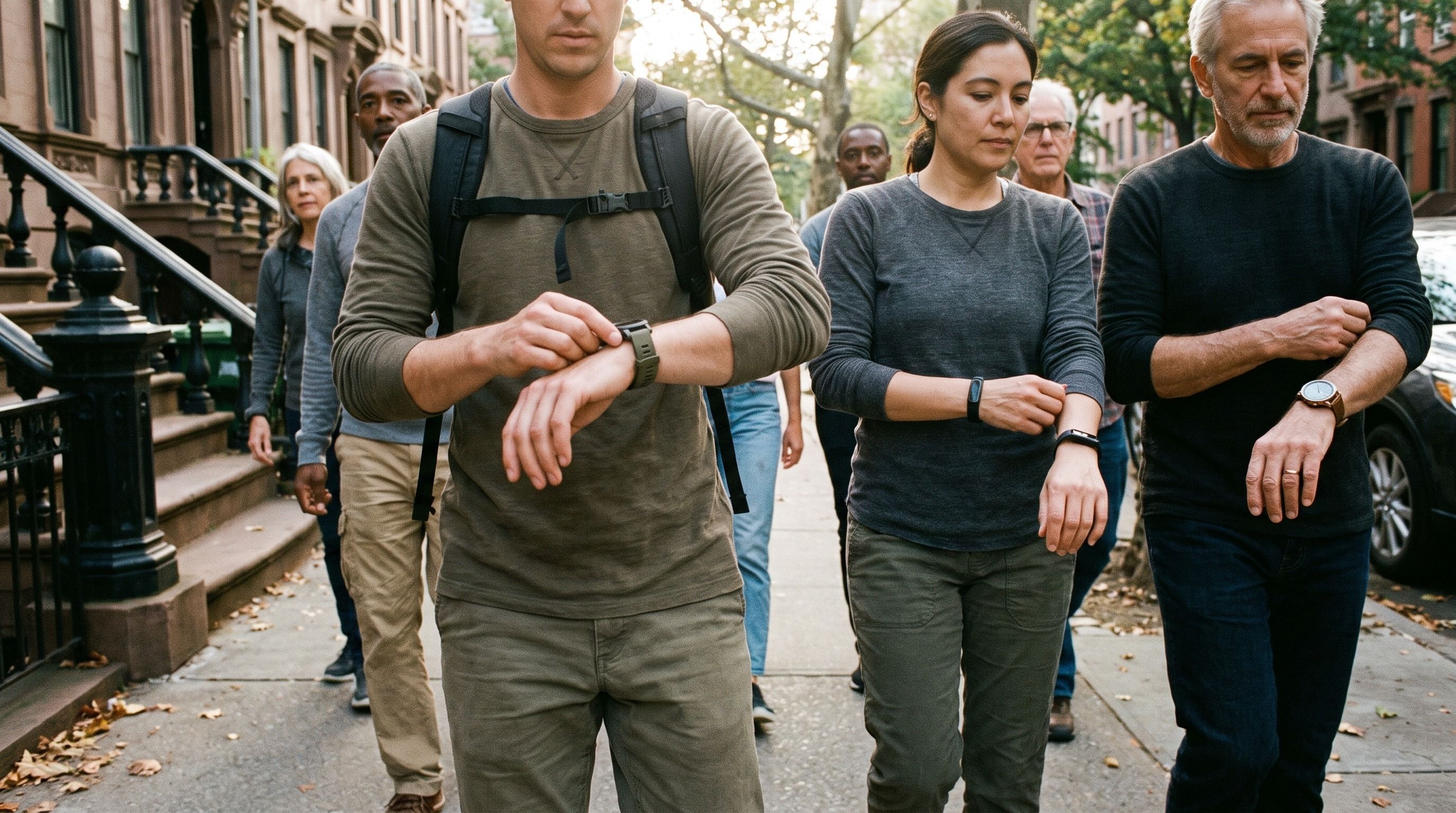
MoveTogether 2.0.3 is on the App Store. The headline fix is for anyone who trains without an Apple Watch: your Exercise ring finally fills from the workouts you actually do.
The app also speaks three new languages, Workout Count competitions score fairly, and you can change your username. Here's what's new and why.
Exercise minutes from any wearable
If you trained on Tonal, Peloton, MapMyRun, Oura, Garmin or WHOOP without an Apple Watch, your Exercise ring sat at zero no matter how hard you worked. A 50 minute strength session could show up as a workout card while the ring stayed at 0.
Why we did it
Apple only lets an Apple Watch write Exercise minutes. Every other app saves a workout, and Apple counts it toward Move but never toward Exercise. We were showing you that zero faithfully.
How it works now
- We count Exercise minutes from your saved workouts ourselves.
- If you also wear a Watch, we take the bigger of the two numbers. We never add them together, so nothing gets counted twice.
- Two workouts that overlap, like an Oura session inside a Tonal workout, count once.
- A walk counts once it runs long enough at a real walking pace. Shuffling around the kitchen doesn't.
- Movement your tracker picks up on its own during the day still counts toward Steps.
Since 2.1.1, every tracker reaches MoveTogether through Apple Health, and a day with no workout tops out at 60 Exercise minutes. A walk at a real pace now counts from 10 minutes.
Now in Spanish, French and German
MoveTogether follows your iPhone's language. Set it to Spanish, French or German and the app switches with it, including the Watch app and your complications.
To switch, change your iPhone's language in iOS Settings. There's nothing to change inside the app.
Workout Count, scored by days
Workout Count used to give a point for every workout, up to three a day. That meant a pile of 90 second sessions could beat one hard hour.
Now it's one point for each day you train. A day counts when at least one workout runs longer than 15 minutes. It doesn't matter how long you go beyond that or which device recorded it, which makes it a good fit for groups whose step counts and calorie burns will never line up.
Since 2.1.1, a day also counts when your Apple Watch Exercise ring passes 15 minutes, even if no workout was saved.
Change your username
Until now, the username you picked at signup was yours for good. A typo stayed a typo.
Go to Settings > Personal Details > Username to pick a new one. You can change it once every 30 days, and your old handle is held for 30 days so nobody else can grab it.
Type in your daily goals
Your Move, Exercise and Steps goals were already yours to set. Now you can type the number straight in instead of tapping plus and minus until you get there.
Find them in Settings > Customization > Daily Goals. Percentage of Goals competitions measure you against these numbers, so set them where they push you.
Also in this release
- The Continue button on the signup screen no longer gets stuck.
- Sharing an invite sends one link preview instead of two.
- Big step counts fit inside the ring tiles.
- Some screens that were quietly failing to load now load.
Get it
Update MoveTogether from the App Store. New here? Download MoveTogether.
This post covers the iPhone app.