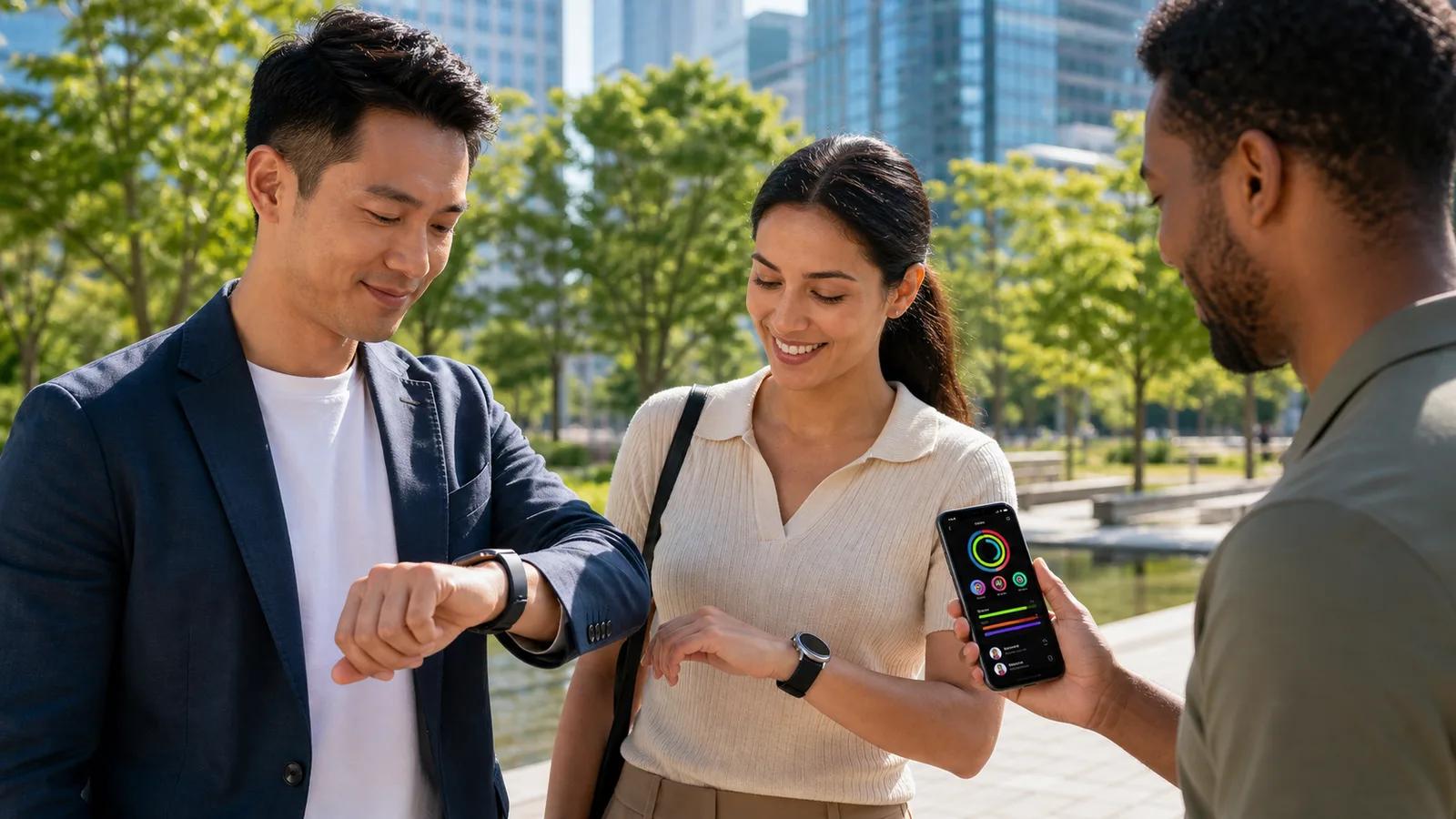
Choosing a fitness app for Apple Watch and Garmin is less about picking a winning watch brand and more about finding the kind of motivation that works for you. The right challenge app should make progress easy to see, competition feel fair, and daily movement more fun.
Many groups include people with very different fitness styles. One person wants to close rings after work, another is training for a long run, and someone else simply wants a reason to take more walks. Your app should make room for all of those goals.
Match Your Challenge App to Your Motivation
Apple Watch and Garmin users may want the same result, more movement and stronger habits, but they often get there in different ways. Apple Watch users may enjoy rings, shared activity, and an iPhone-centered routine. Garmin users may care more about endurance, outdoor workouts, GPS tracking, recovery, and training data.
Before choosing an app, consider what keeps you coming back on an ordinary Tuesday, not just what sounds exciting at the start of a challenge. A good fitness app for Apple Watch and Garmin should support the kind of accountability that feels natural to your group.
Ask yourself what motivates you most:
Seeing a daily goal get checked off
Competing for a spot on a leaderboard
Building a steady workout routine
Tracking distance, active time, or workout frequency
Getting encouragement from friends, family, or coworkers
Mixed-device groups can make this choice harder. A family might include Apple Watch and Garmin users, while a workplace team may also have people using Fitbit or other wearables. Single-platform challenges can leave people out or force them to track activity in separate places.
With MoveTogether, we bring activity data from major wearables into one shared experience. That means your group can focus on moving together instead of debating which device everyone needs to wear.
Check Device Support Before Comparing Features
Compatibility should come before flashy challenge screens or colorful badges. If an app only works well for one watch ecosystem, it can create frustration before the competition even starts.
Check how the app connects to Apple Health, Garmin Connect, and other activity sources. Reliable syncing matters because people want their efforts to show up without delays, confusion, or manual workout entry. It also helps to understand which activities count toward a challenge, especially if your group includes walkers, runners, cyclists, strength trainers, and people who prefer shorter workouts.
Cross-platform access matters, too. Apple Watch users often manage much of their activity through an iPhone, while Garmin users may spend more time reviewing workouts in Garmin Connect. A shared challenge app should give everyone a clear place to view standings, follow group progress, and understand the rules.
When comparing options, consider the whole group:
Which wearables can connect?
How quickly does activity appear on the leaderboard?
Are workout types explained clearly?
Can every participant see the same challenge details?
Will anyone need to enter activity manually?
MoveTogether helps solve this problem by unifying wearable activity data in real time. Instead of building a challenge around one person's watch, we help groups create a shared competition where more people can take part.
Evaluate Scoring Across Apple Watch and Garmin
A leaderboard only works when participants trust it. Apple Watch and Garmin devices can track activity in different ways, especially for steps, calorie estimates, workout minutes, heart rate, and GPS-based exercise. If those differences are ignored, people may feel that the competition favors one device over another.
That is why we encourage you to look beyond the leaderboard design. Clear scoring rules matter more than fancy graphics. The best challenge format gives people a fair way to compete while keeping the focus on effort and consistency.
Different groups also need different ways to score. A running club may care about distance, while a busy family may be more motivated by daily movement. Beginners may prefer active minutes or weekly consistency instead of trying to match the output of a more experienced athlete.
Helpful scoring options can include:
Daily movement goals for steady habits
Workout frequency for people with varied activities
Active minutes for flexible schedules
Distance-based challenges for outdoor training
Weekly points that reward regular participation
Review how missed syncs, ties, rest days, and late activity updates are handled. Real-time standings can make a challenge more exciting, but the rules should still be simple enough for everyone to understand. Our fair, real-time leaderboards are designed to help groups compete confidently across wearable brands.
Prioritize Coaching, Insights, and Recovery
Competition can get you moving, but useful guidance can help you keep going after the challenge ends. Basic tracking tells you what happened. Coaching and personal insights can help you decide what to do next.
AI-powered coaching can turn activity patterns into practical suggestions. Depending on your routine, that might mean encouraging more consistent movement, helping you set a manageable weekly goal, or recognizing when a tough week calls for a more realistic plan. Good coaching should feel supportive, not demanding.
Recovery deserves space in the conversation, too. Garmin users may pay close attention to readiness and training load, while Apple Watch users may focus on workouts, rings, and activity trends. Both approaches can be useful, but neither should turn a friendly league into pressure to exercise nonstop.
A strong challenge app should help you balance effort with rest. Through MoveTogether, participants can connect their own activity patterns to their league performance, so the goal is not simply to chase first place. It is to build habits that fit real life.
Choose Leagues That Keep Friends Accountable
The best fitness challenge is one people remember to join and want to keep playing. Features matter, but shared momentum matters more. Seeing friends move up a leaderboard, getting encouragement after a workout, or starting fresh after a slow week can make a real difference.
Weekly fitness leagues are especially helpful in the fall. Summer travel is over, school and work routines are settling in, and many people are trying to find a rhythm before the holiday season gets busy. A seven-day competition feels more manageable than a long challenge that drags on for weeks.
Private groups and simple invitations also help create a comfortable experience. You may want a league for close friends, relatives, a workplace team, or a small training group. Everyone should know who can view the challenge and what activity information is being shared.
Our weekly leagues give groups a regular reset. A difficult week does not have to define the whole season, and a new league gives everyone another chance to show up.
Launch a Fall Challenge Everyone Can Join
For a simple fall reset, we recommend a seven-day movement challenge built around consistency rather than perfection. Give every participant a goal that feels realistic, then let the group celebrate steady effort across walks, workouts, outdoor activities, and everyday movement.
The best choice is the one that welcomes every member of your group, explains scoring clearly, respects different training styles, and makes accountability feel encouraging. When Apple Watch and Garmin users can compete in the same space, the focus shifts away from devices and back to what matters, moving more together.
Bring Every Device Into One Challenge
See how MoveTogether works as a fitness app for Apple Watch and Garmin users who want one clear, inclusive place to compete. We make it simple to set up challenges that fit your group's goals and routines. Have questions about getting started? Contact us to talk through the right setup for your team.
Frequently Asked Questions
Can Apple Watch and Garmin users join the same fitness challenge?
Yes, Apple Watch and Garmin users can join the same fitness challenge when the app supports connections to both Apple Health and Garmin Connect. A cross-platform challenge app lets everyone view shared rules, standings, and progress in one place.
What is a cross-platform fitness challenge app?
A cross-platform fitness challenge app collects activity data from different wearables, such as Apple Watch, Garmin, Fitbit, and other devices, into one shared challenge. It helps groups compete or stay accountable without requiring everyone to use the same watch.
What is the difference between Apple Watch and Garmin for fitness tracking?
Apple Watch is often centered on daily activity rings, shared activity, and iPhone integration. Garmin is commonly preferred for endurance training, GPS workouts, recovery insights, and detailed performance data.
How do I choose a fair challenge for Apple Watch and Garmin users?
Choose clear scoring rules based on goals your group can understand, such as steps, distance, active time, workout frequency, or consistency. Since devices may calculate calories, heart rate, and exercise minutes differently, it is important to use a format that does not unfairly favor one watch type.
What should I check before choosing a wearable fitness challenge app?
Confirm that the app supports every wearable in your group and connects reliably to sources like Apple Health and Garmin Connect. Also check how quickly activity syncs, which workout types count, whether manual entry is needed, and whether all participants can see the same leaderboard and rules.