
Friends and chat
Your friends, one tab away
The Social tab shows what your friends are up to and holds every chat you are in. Cheer a closed ring, talk trash in the competition chat, and bring new people in with your link.
The Social tab in MoveTogether has two halves, Feed and Chats. The feed shows your friends’ personal records, streak milestones, closed rings and competition wins, and you can react to them. Chats keeps your direct messages, competition group chats, communities and MoveTogether Updates in one list. Invite friends with your personal link, and a friend who is new to paid plans gets a free month of Member.


Friend activity
Your friends’ big moments show up in the feed once they sync, newest first.
- Personal records, workouts, closed rings, streak milestones, badges and competition wins.
- React with a heart, fire, strong or clap. Reactions stack, so you can send more than one.
- Moving now, at the top, shows today’s rings for your friends and your league.
- Free shows the 2 newest posts, and you can react to them. Member or Pro opens the whole feed and comments.
Every chat in one list
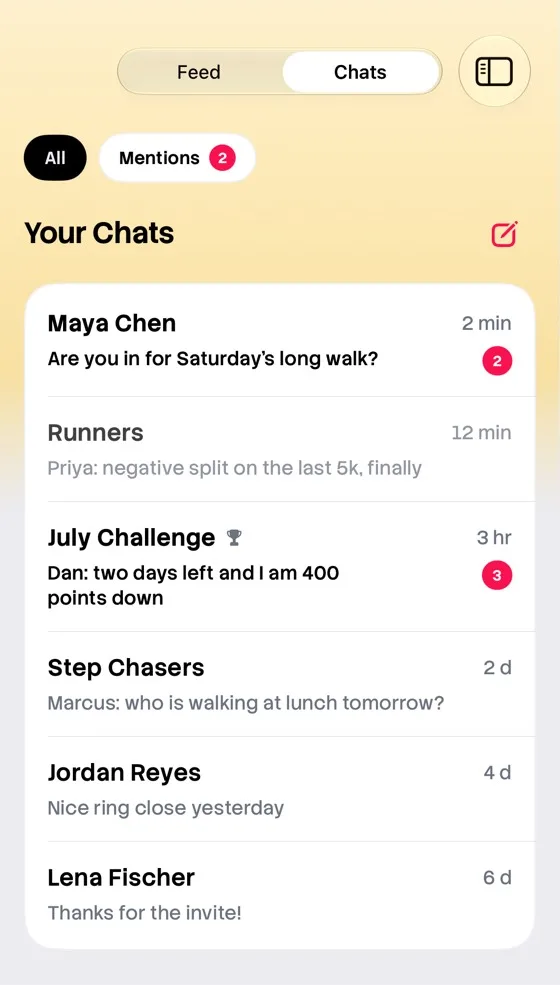
Chats sits next to the feed. Messages with friends, your competition group chats, communities and MoveTogether Updates share one list, with Mentions one tap away.
Messaging friends and competition group chats are part of Member and Pro.
Communities
Public groups for people who train the same way. Join one and start chatting, no friend request needed.
Free
Join up to 3 communities and send 10 messages a week.
Member or Pro
Join as many as you like and chat with no weekly limit.
Invite friends
Tap + and then Invite friends to share your personal link.
- A friend who signs up with your link is added as your friend right away.
- If they have never had Member, Pro or a free trial, they get a free month of Member.
- Once they finish setup and have 3 active days, the invite counts for you.
- At 1, 3 and 5 friends you unlock the Ringleader badge, a week of Pro, then a month of Pro. Claim them on the invite screen.
Share your wins
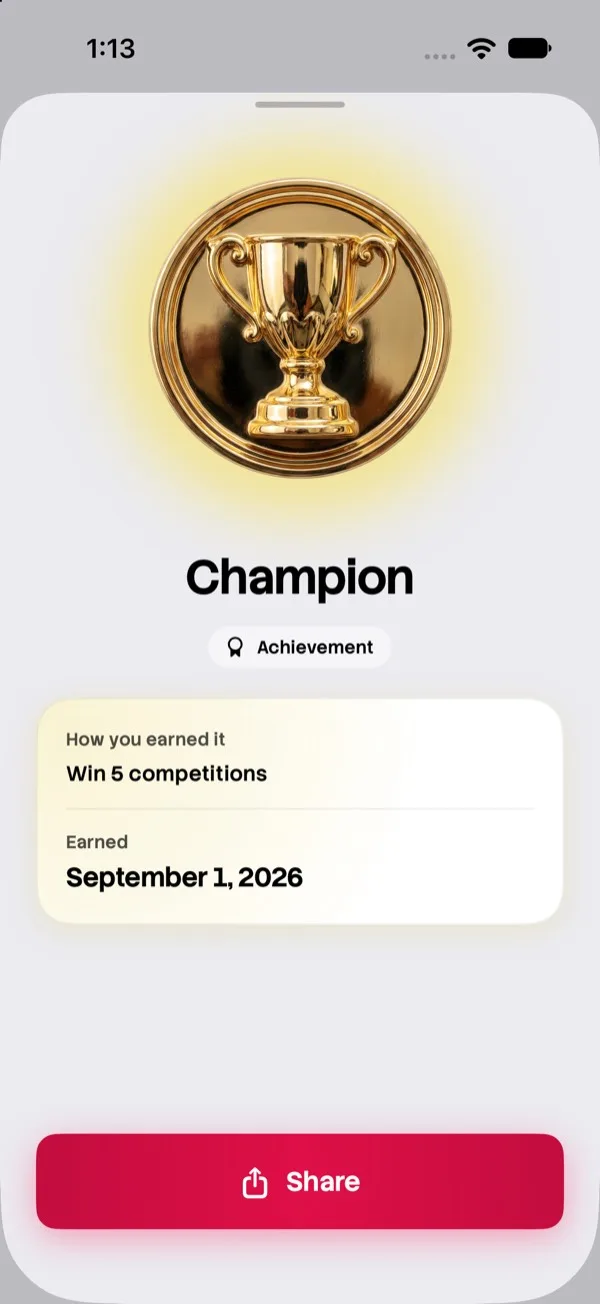
Badges and competition recaps turn into images, ready for any app in your share sheet. A badge goes out as its own card, so friends see what you earned.
Pro adds a weekly recap card in three styles.
Questions
Do I need Member to use the Social tab?
No. Free shows the 2 newest feed posts, lets you react to them, and lets you join up to 3 communities. Member or Pro adds the whole feed, comments, messages with friends and competition group chats.
Who can I message?
Your friends, when you both have Member or Pro. If your plan ends, your messages stay and you can still read them. You can send again when you rejoin.
What does my friend get for joining with my link?
A free month of Member, if they have never had Member, Pro or a free trial. It is one per account.
When does the community message limit reset?
Every Monday (UTC). Member and Pro have no weekly limit.
Bring your friends
Download MoveTogether, add your friends, and your feed fills up with their wins.