Keep Every Workout Counted Once This Holiday Season
Clean syncing keeps a fitness challenge fun, especially when holiday plans fill the calendar and friends or family are watching a close leaderboard. If the same walk shows up twice, even an honest workout can make the numbers feel questionable.
At MoveTogether, we bring Move, Exercise, and Steps into one competition across major wearable brands. Whether your group uses Apple Watch, Fitbit, Garmin, WHOOP, Oura, or a phone-based tracker, making sure each activity counts once helps everyone trust what they see.
Understand Why Two Devices Can Log One Workout Twice
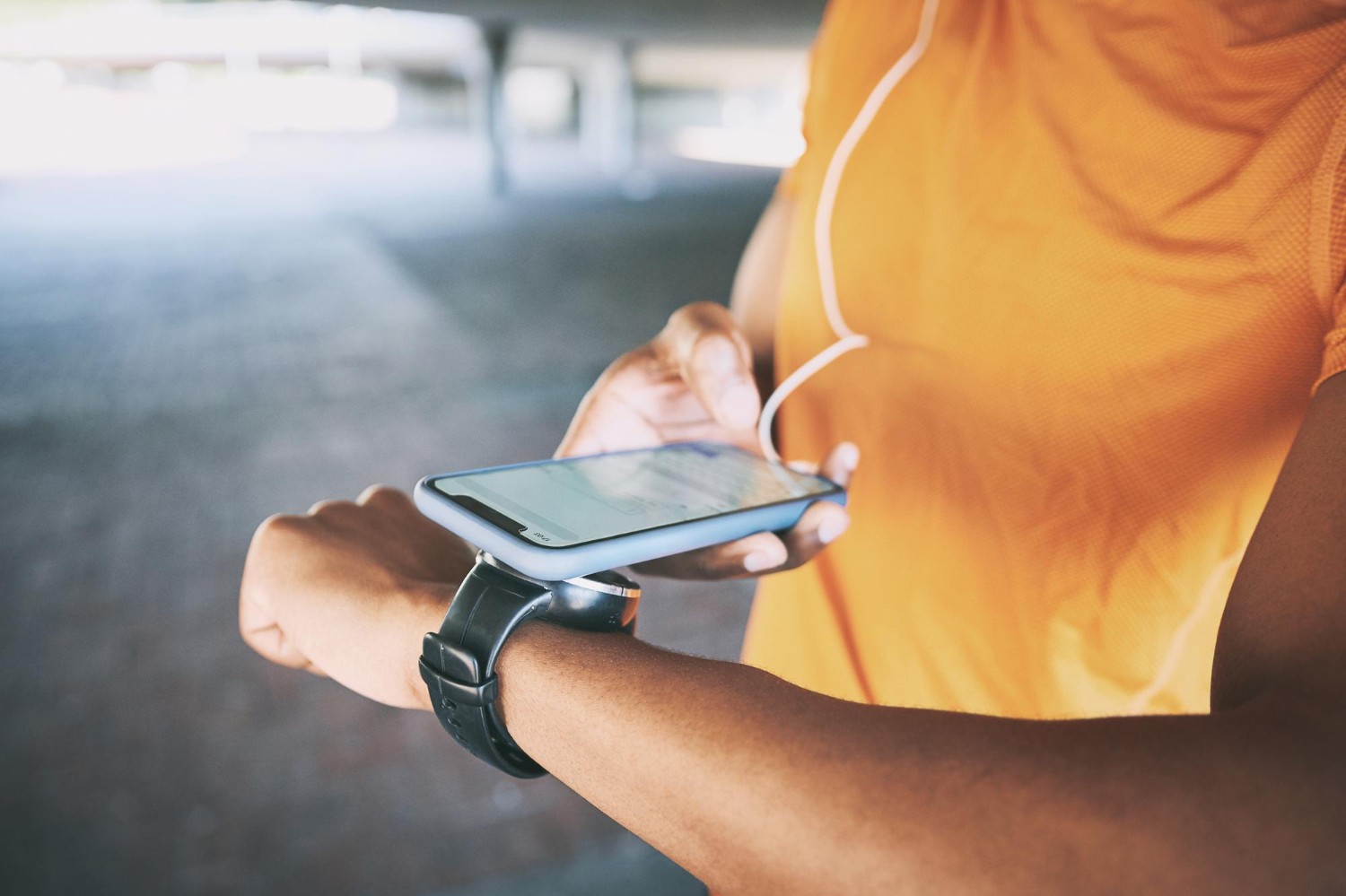
Wearing more than one device is not a problem by itself. You may wear an Apple Watch for workout tracking while carrying your phone all day, or use a Garmin for runs while another connected app collects health data. The mix can be useful, but it can also create duplicate records when more than one source sends the same activity into a connected system.
For example, a walk may be recorded by your watch and your phone at the same time. If both sources share their totals through connected apps, the same steps or workout details may travel through more than one path. A workout can look like two separate events even though you only did it once.
We recommend separating genuine activity from repeat activity. A morning walk on one tracker and an afternoon bike ride on another are two real events. But one morning walk appearing from both your watch and a connected fitness platform is a duplicate.
That difference matters when a challenge is tight. Extra Steps, Move calories, or Exercise minutes can shift a leaderboard quickly, particularly during short holiday competitions. Nobody wants to spend Thanksgiving weekend wondering whether a friend truly took more steps or simply had two devices report the same stroll around the neighborhood. With fitness app syncing across multiple devices, a little setup work prevents a lot of confusion later.
Choose a Single Source of Truth for Each Metric
Before your challenge begins, choose the device or platform that will be your main source for Steps, Move, and Exercise. In most cases, that should be the wearable you use most often throughout the day. A device that stays on your wrist, tracks your regular movement, and records workouts consistently is usually the simplest choice.
Connecting every app you own can sound convenient. Still, several connections can overlap when they are all reporting the same walk, workout, or daily movement. We encourage each participant to know exactly which connection is supplying their core activity data instead of assuming every app needs to be active.
A quick review before day one can keep things clean:
- Look through the fitness apps and wearable services connected to your account.
- Keep your preferred wearable connection active for your main metrics.
- Remove or pause connections that may send the same activity again.
- Take a normal walk or complete a workout before the challenge starts.
- Check that the leaderboard shows the activity one time.
This test does not need to be complicated. The goal is simply to confirm that your usual movement arrives as expected. If something looks unusually high or repeats, it is much easier to sort out before your group is competing for the top spot. Clear choices make fitness app syncing across multiple devices far less confusing.
Make Fitness App Syncing Across Multiple Devices Fair
Fair competition does not mean everyone needs to buy or wear the same device. The fun of a shared challenge is that people can bring the tracker they already know and trust. Someone who wears a Garmin should be able to compete comfortably with a friend using an Apple Watch, Fitbit, WHOOP, Oura, or phone-based activity tracking.
Our goal at MoveTogether is to make that mixed-device experience feel like one shared competition. When each person has a clear primary data source, the leaderboard can reflect real effort rather than overlapping records. That makes it easier to celebrate a strong week of movement, encourage someone who is catching up, or enjoy a friendly sprint to the finish.
Consider a family Steps challenge running from Thanksgiving through New Year’s Day. One person may log long walks with a smartwatch, another may track daily movement with a ring, and someone else may rely on a fitness band. Those differences are fine. What causes trouble is when one person’s afternoon walk gets pulled in twice through multiple connected services.
Simple syncing rules give the group a shared expectation: use your usual device, make it your main source, and check that each activity appears once. Instead of debating totals after dinner or sending screenshots back and forth, everyone can put that energy into cheering each other on.
Resolve Sync Conflicts Before They Reach the Leaderboard
Duplicate activity often has a few easy-to-spot warning signs. You might notice a sudden jump in steps that does not match your day, a surprisingly high Move total after one workout, or two activities appearing at nearly the same time. These are good reasons to pause and review your connections before assuming the leaderboard is wrong.
When something looks off, start with the sources that are sharing data. See whether two connected services imported the same workout, then disconnect or pause the redundant source if needed. After that, refresh the app and give your preferred device time to finish its normal sync.
Use this simple troubleshooting order:
- Compare the time and details of the repeated activity.
- Check which connected services may be importing it.
- Keep the source you chose as your primary wearable connection.
- Remove the extra connection that is reporting the same event.
- Refresh, then confirm the corrected activity appears once.
We find that most syncing issues are easier to handle early. Waiting until a challenge becomes competitive can make a small data mix-up feel personal. Challenge organizers can help by sharing a short setup reminder before the first day, giving every participant time to review their devices and avoid surprises.
Start Your Next Challenge with Clean Data
A clean challenge starts before the first point lands on the leaderboard. Choose a primary wearable source, review the apps connected to it, and confirm that a test walk or workout appears only once. MoveTogether gives friends, coworkers, and family a shared place to compete on Move, Exercise, and Steps across wearable brands.
Once your data is set, keep an eye out for sudden jumps or repeated events and fix them early. Every legitimate workout deserves its place on the leaderboard, just once, so the competition can stay fair, motivating, and fun all holiday season.
Keep Every Challenge Score Accurate
MoveTogether helps teams create a smoother experience with fitness app syncing across multiple devices built for shared challenges. Our features make it easier to keep activity records organized while participants focus on reaching their goals. Have questions about setting up your next challenge? Contact us for help.